The due date tells your customer when payment must be received and drives overdue tracking.
What You Can Do
- Open or create an invoice.
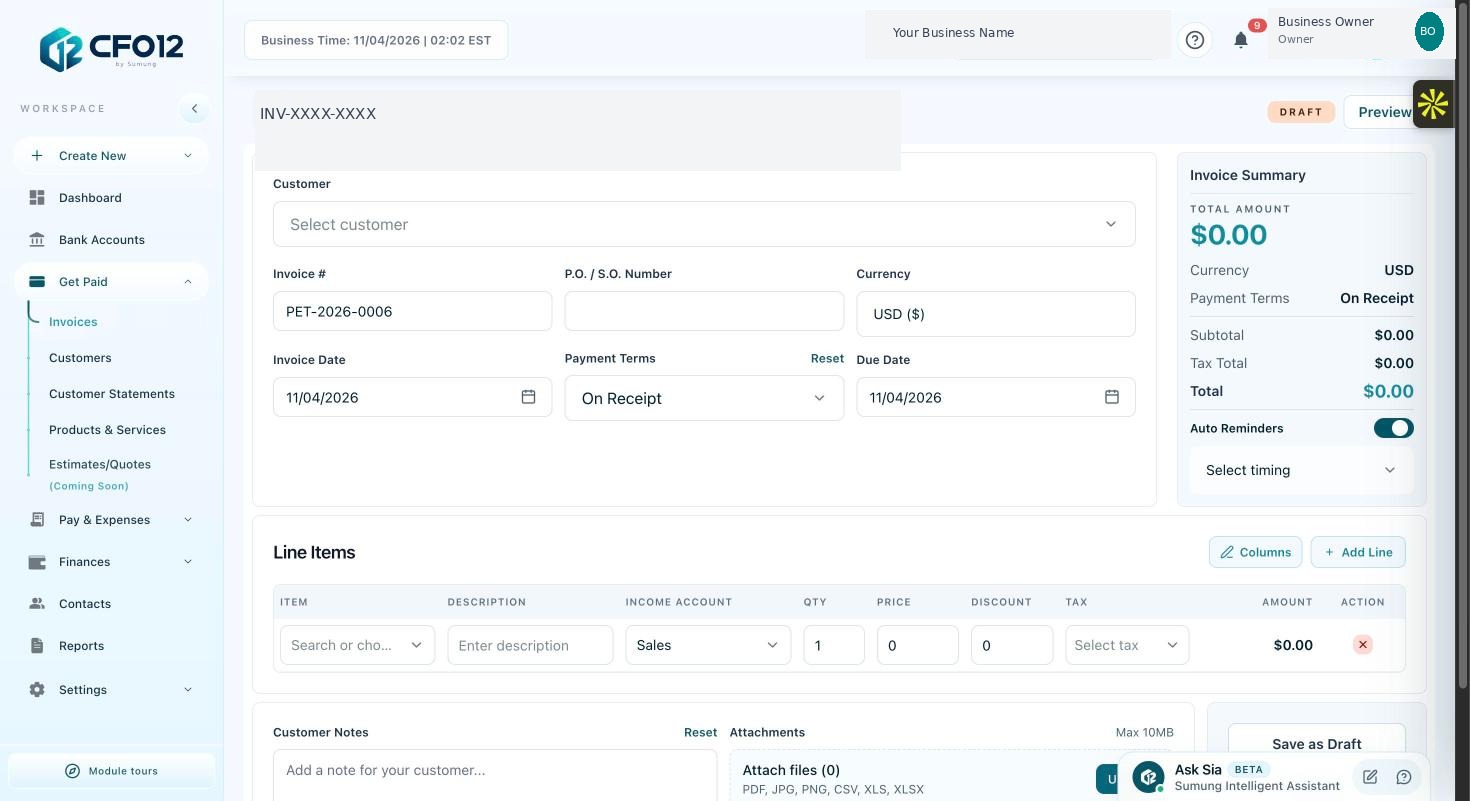
- The Due Date field is automatically populated based on the Payment Terms.
- To override it, click the Due Date field and select a custom date.
- Invoices past their due date appear in the Overdue tab on the Invoices list.
💡 Overdue invoices are highlighted to help you follow up with customers promptly.
Related Articles
Was this article helpful?
Your feedback helps us improve our documentation.