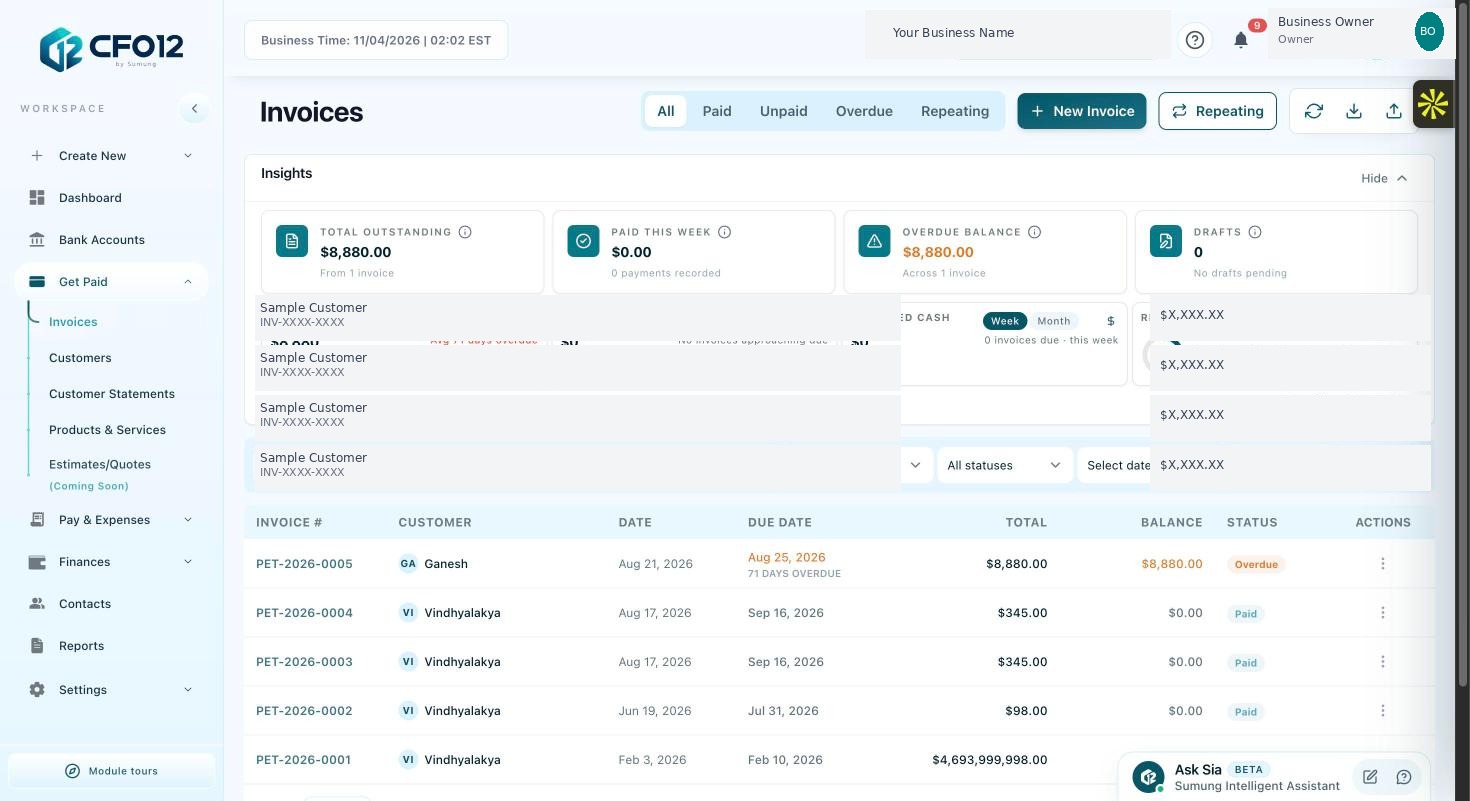
The Overdue tab highlights invoices that are past their due date and still unpaid.
What You Can Do
- Go to Get Paid > Invoices.
- Click the Overdue tab.
- All invoices past their due date that remain unpaid are shown here.
- Click an invoice to open it and take action — resend it or contact the customer.
💡 Use the Aged Receivables report for a detailed aging breakdown of overdue invoices.
Related Articles
- How to Send a Payment Reminder to a Customer
- How to View the Aged Receivables Report
- How to Resend an Invoice
Was this article helpful?
Your feedback helps us improve our documentation.