An Outstanding Invoices statement lists all unpaid invoices for a customer in a single document.
What You Can Do
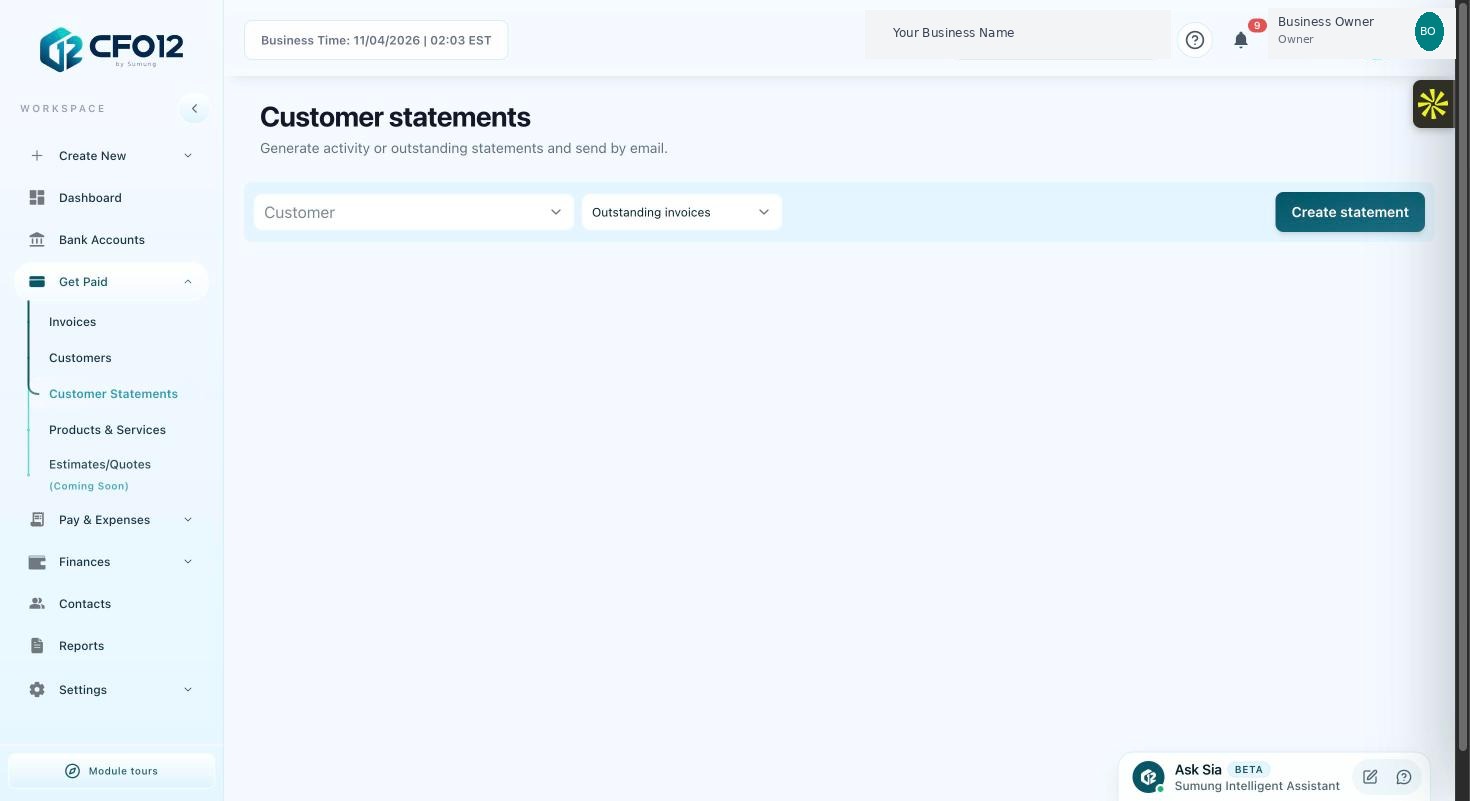
- Go to Get Paid > Customer Statements.
- The Outstanding invoices option is shown on the page.
- Click Create statement to generate a statement of unpaid invoices for a selected customer.
- The statement shows each unpaid invoice with its date, amount, and due date.
💡 This type of statement is especially useful when following up with customers who have multiple unpaid invoices.
Related Articles
- How to Generate a Customer Statement
- How to View Overdue Invoices
- How to Send a Customer Statement
Was this article helpful?
Your feedback helps us improve our documentation.