Customer statements summarize a customer's invoices and balances so they can review what they owe.
What You Can Do
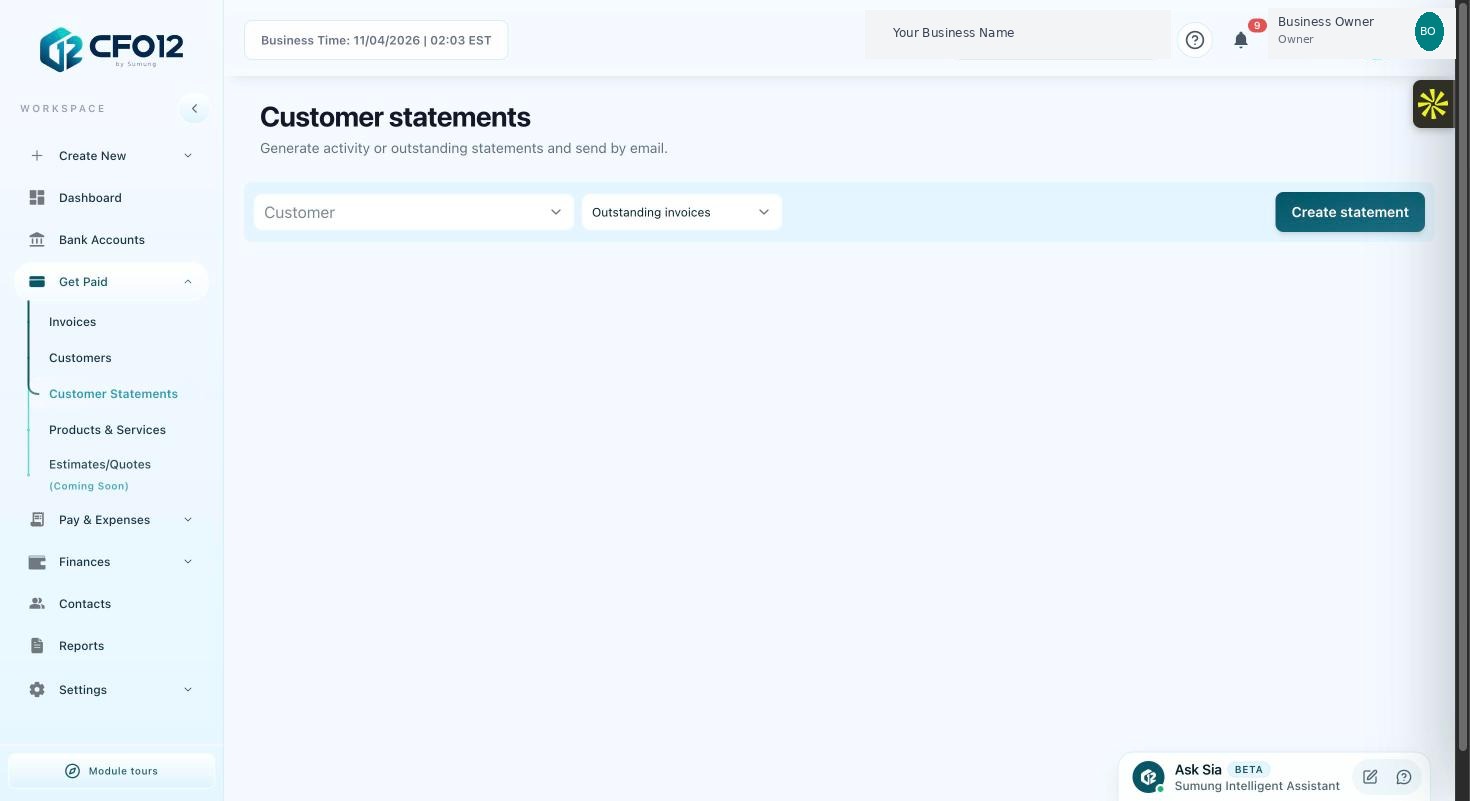
- Go to Get Paid > Customer Statements.
- Click Create statement.
- The statement type shows Outstanding invoices by default.
- Select the customer and date range if prompted.
- Review the statement and click to send it by email to the customer.
💡 Use customer statements as a professional way to follow up on multiple outstanding invoices at once.
Related Articles
Was this article helpful?
Your feedback helps us improve our documentation.