Adding a customer to CFO12 lets you create invoices and statements for them quickly.
What You Can Do
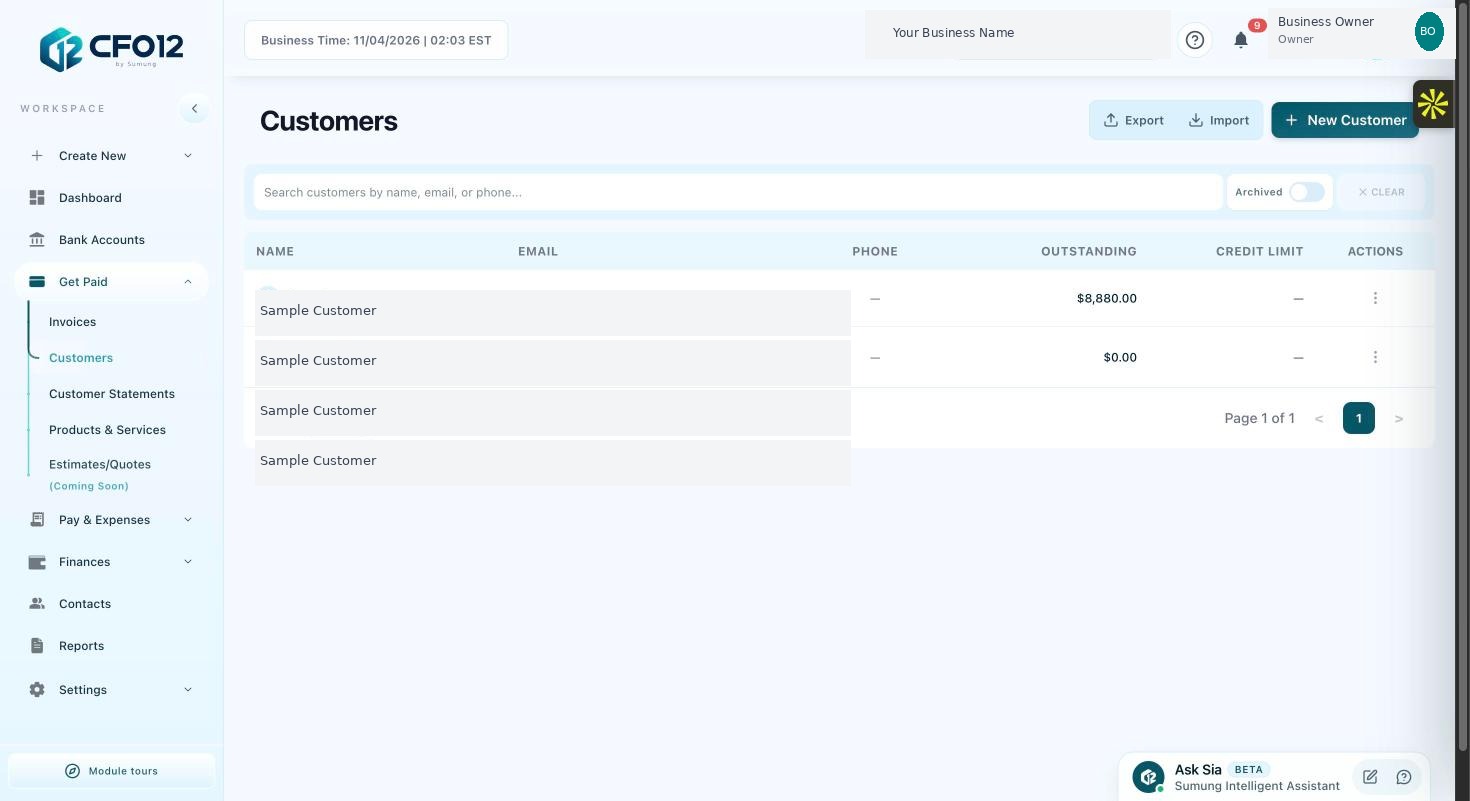
- Go to Get Paid > Customers, or click Create New > New Customer in the sidebar.
- Click New Customer.
- Fill in the contact's name, email, and type.
- Optionally add their address and other details.
- Click Save to create the contact.
💡 The Account number field helps you match the customer during imports and bank feed matching.
Related Articles
- How to View the Customers List
- How to Import Customers
- How to Generate a Customer Statement
Was this article helpful?
Your feedback helps us improve our documentation.