If a customer did not receive your invoice, you can resend it directly from CFO12.
What You Can Do
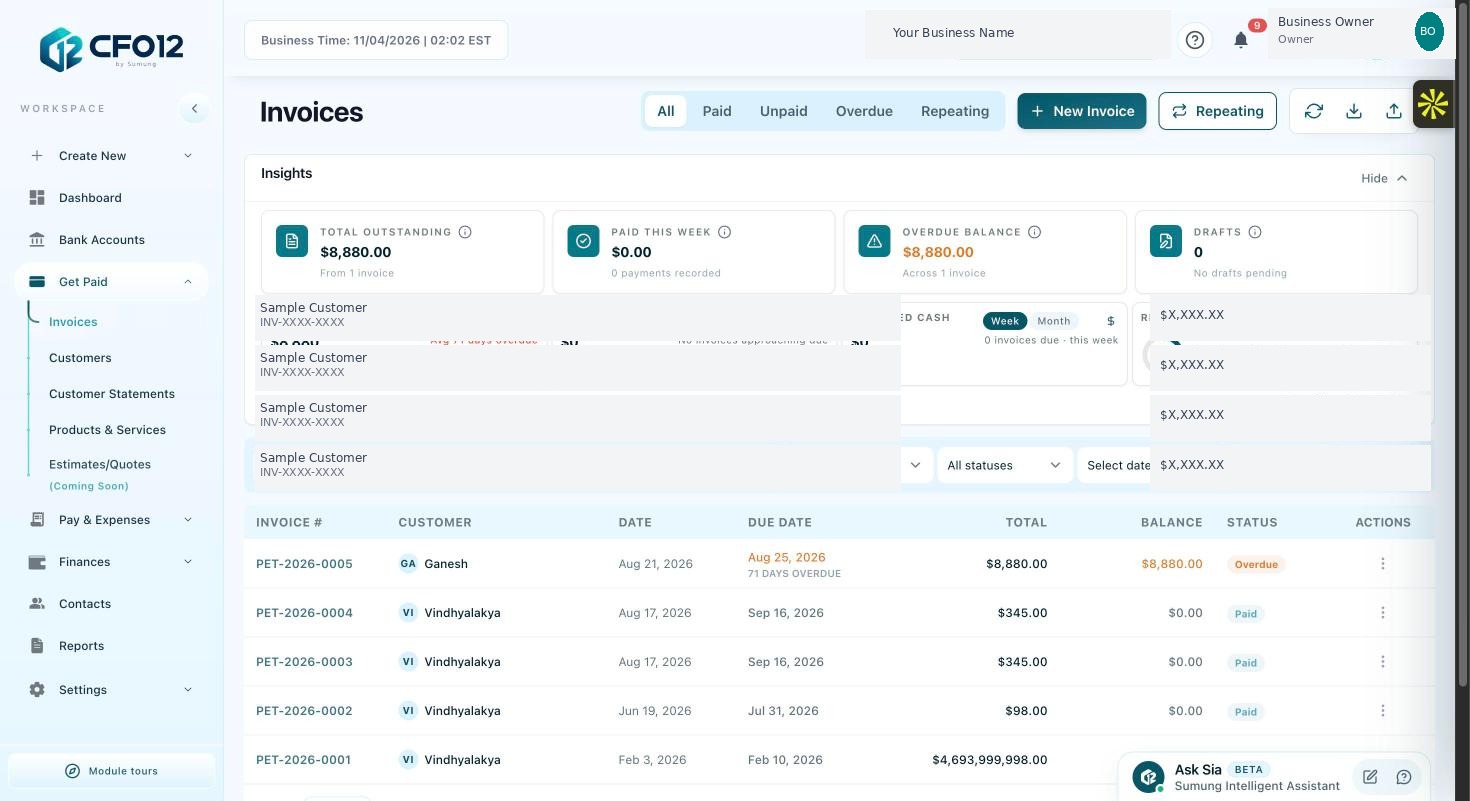
- Go to Get Paid > Invoices and open the invoice.
- Click the option to resend or send the invoice again.
- Confirm the customer's email address is correct.
- The invoice is sent again to the customer's email.
💡 Make sure the customer email on file is correct before resending. Update it under Get Paid > Customers if needed.
Related Articles
Was this article helpful?
Your feedback helps us improve our documentation.