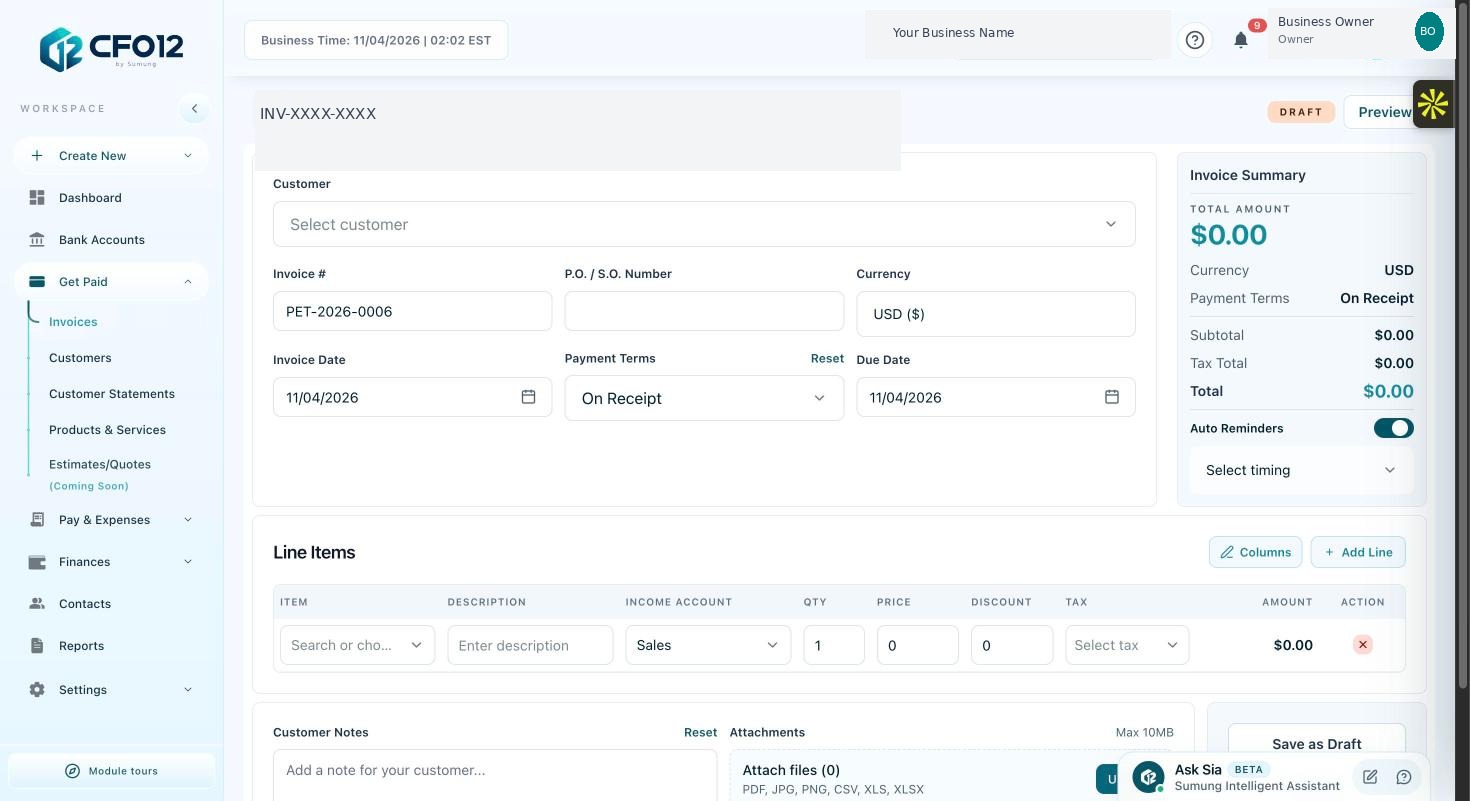
Approving an invoice changes its status from Draft to Approved, making it ready to send.
What You Can Do
- Open a draft invoice from the Invoices list.
- Review all details to ensure they are correct.
- Click the Approve button at the bottom of the invoice form.
- The invoice status changes to Approved.
- You can then send it to the customer using Save & Send or by emailing separately.
💡 Approving an invoice does not automatically send it. Use Save & Send to do both at once.
Related Articles
Was this article helpful?
Your feedback helps us improve our documentation.