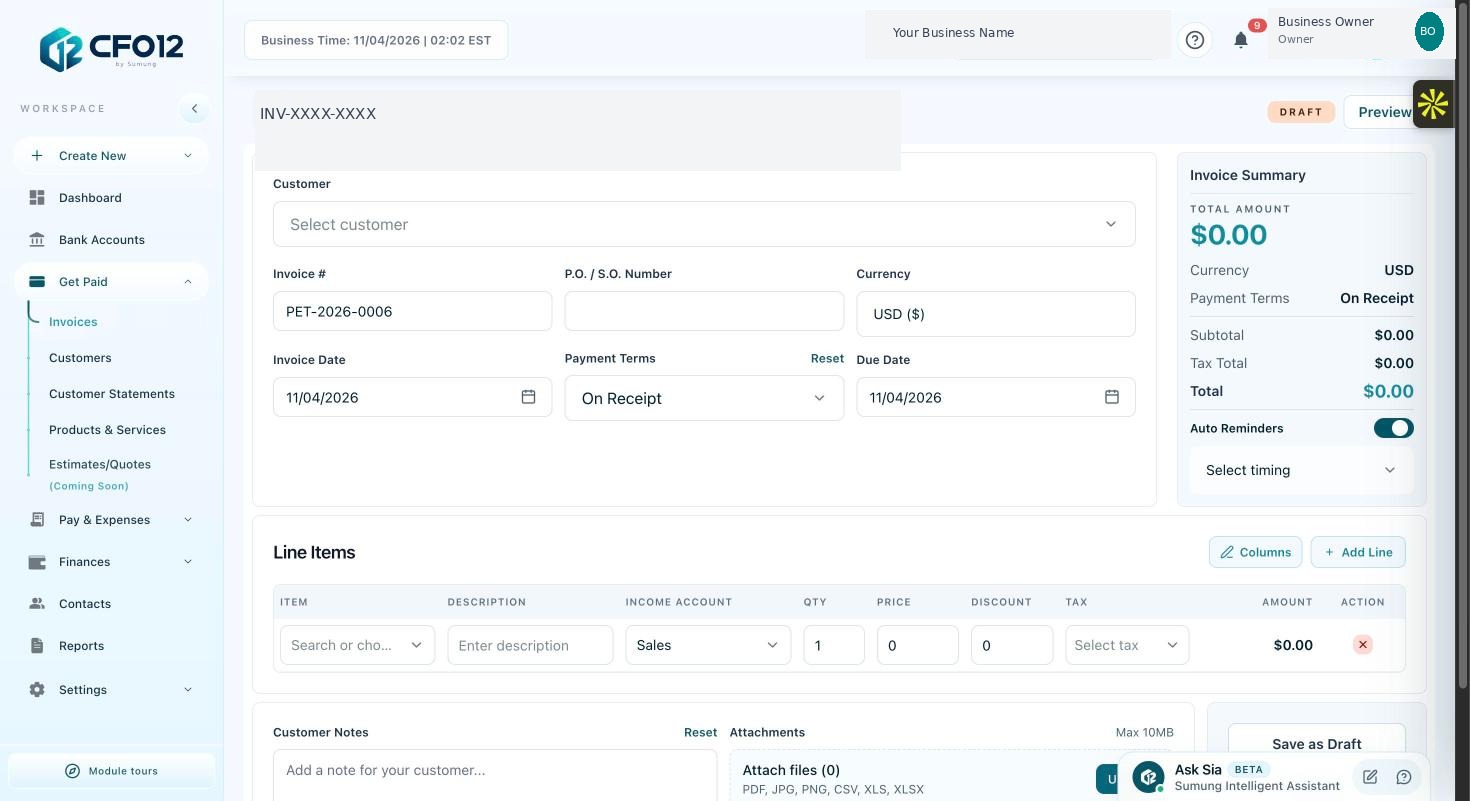
CFO12 supports several common file formats for invoice attachments.
What You Can Do
- Open or create an invoice and scroll to the Attachments section.
- Common document and image formats are supported.
- Check the attachment area for any size restrictions displayed.
- Multiple files can be attached to a single invoice.
- Click Upload or drag and drop to add files.
💡 Attach contracts, delivery notes, or purchase orders to keep all relevant documents with the invoice.
Related Articles
Was this article helpful?
Your feedback helps us improve our documentation.