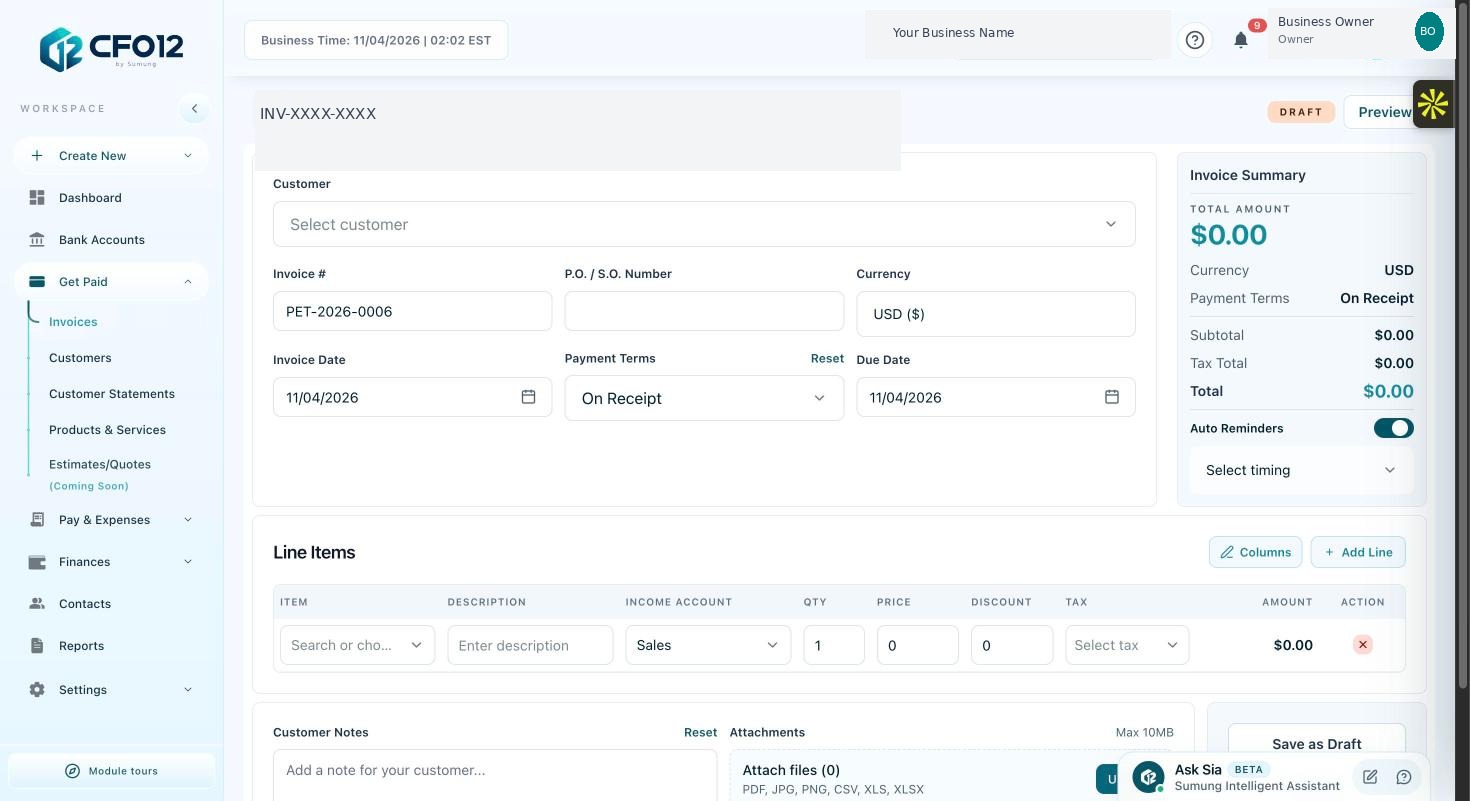
Customer Notes appear on the invoice and PDF, allowing you to include messages visible to your customer.
What You Can Do
- Open or create an invoice.
- Scroll to the Customer Notes field near the bottom of the invoice form.
- Type a message or note in the field.
- This text will appear on the invoice PDF sent to the customer.
- Delete or edit the text directly to update the notes.
💡 Use customer notes for payment instructions, thank-you messages, or delivery details.
Related Articles
Was this article helpful?
Your feedback helps us improve our documentation.