The Create New menu at the top of the sidebar gives you quick access to create common records without navigating to individual sections.
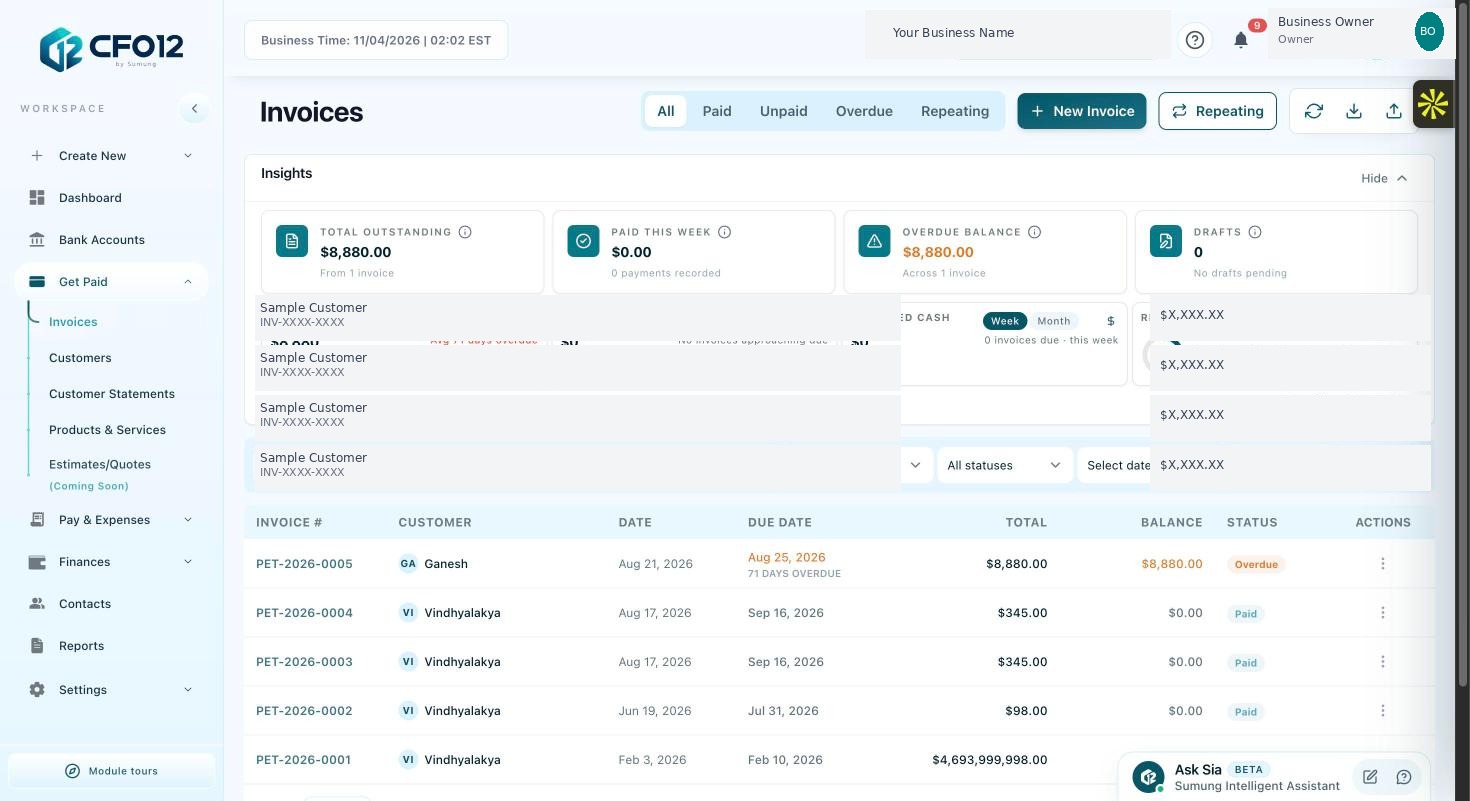
What You Can Do
- Click Create New in the top of the left sidebar.
- A dropdown menu appears with options: New Invoice, New Bill, New Receipt, New Customer, New Vendor, New Product/Service.
- Click the option you want to open the creation form directly.
- Complete and save the form as usual.
💡 The Create New menu is the fastest way to create a new invoice from anywhere in CFO12.
Related Articles
- How to Create a New Invoice
- How to Add a New Customer
- How to Add a New Vendor
Was this article helpful?
Your feedback helps us improve our documentation.