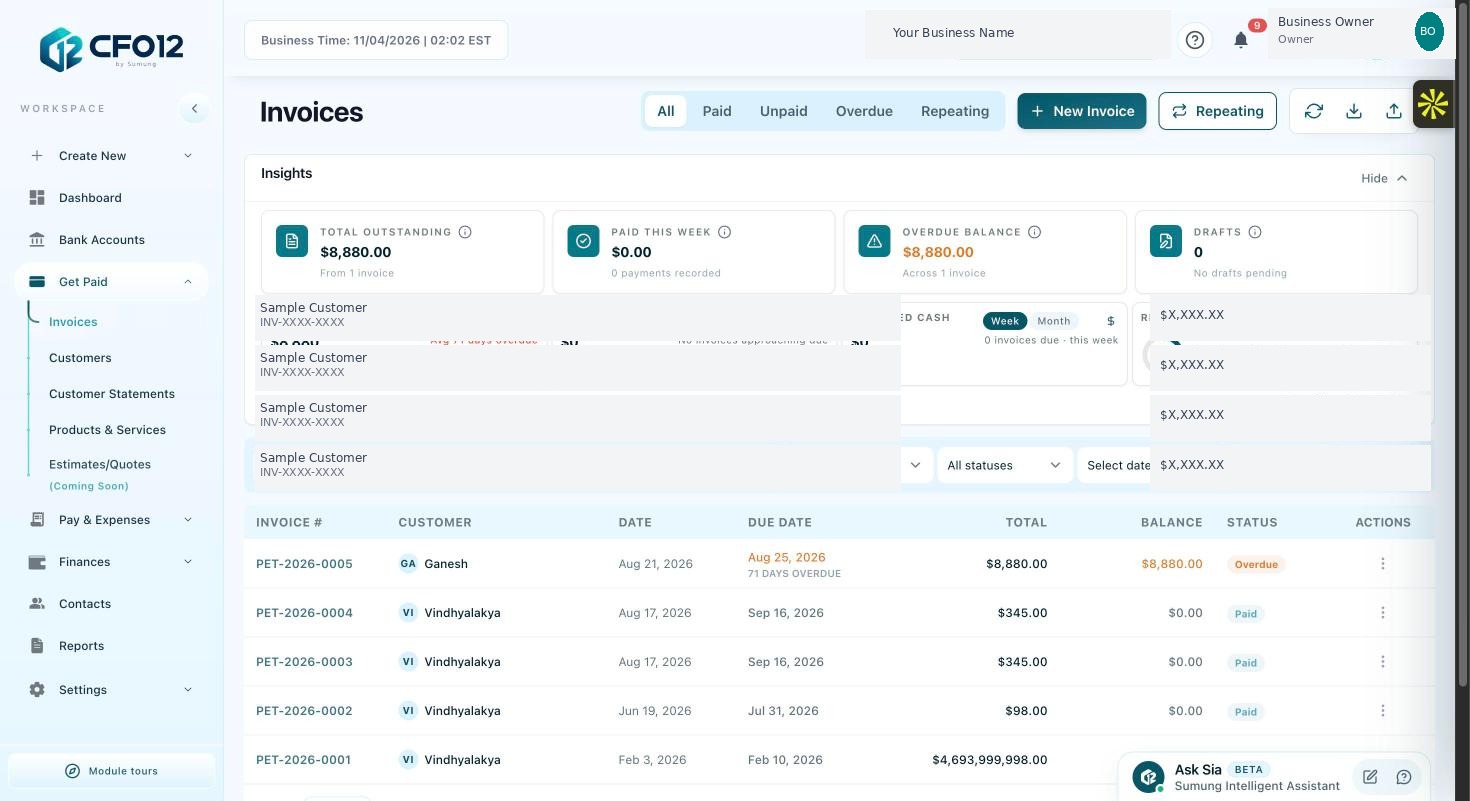
Recording a full payment marks the invoice as Paid and removes it from the Unpaid and Overdue views.
What You Can Do
- Open the invoice you want to mark as paid.
- Record a payment equal to the full invoice total.
- Once the full amount is recorded, the invoice status changes to Paid.
- The invoice moves to the Paid tab on the Invoices list.
💡 You can verify paid invoices at any time under the Paid tab on the Invoices page.
Related Articles
Was this article helpful?
Your feedback helps us improve our documentation.