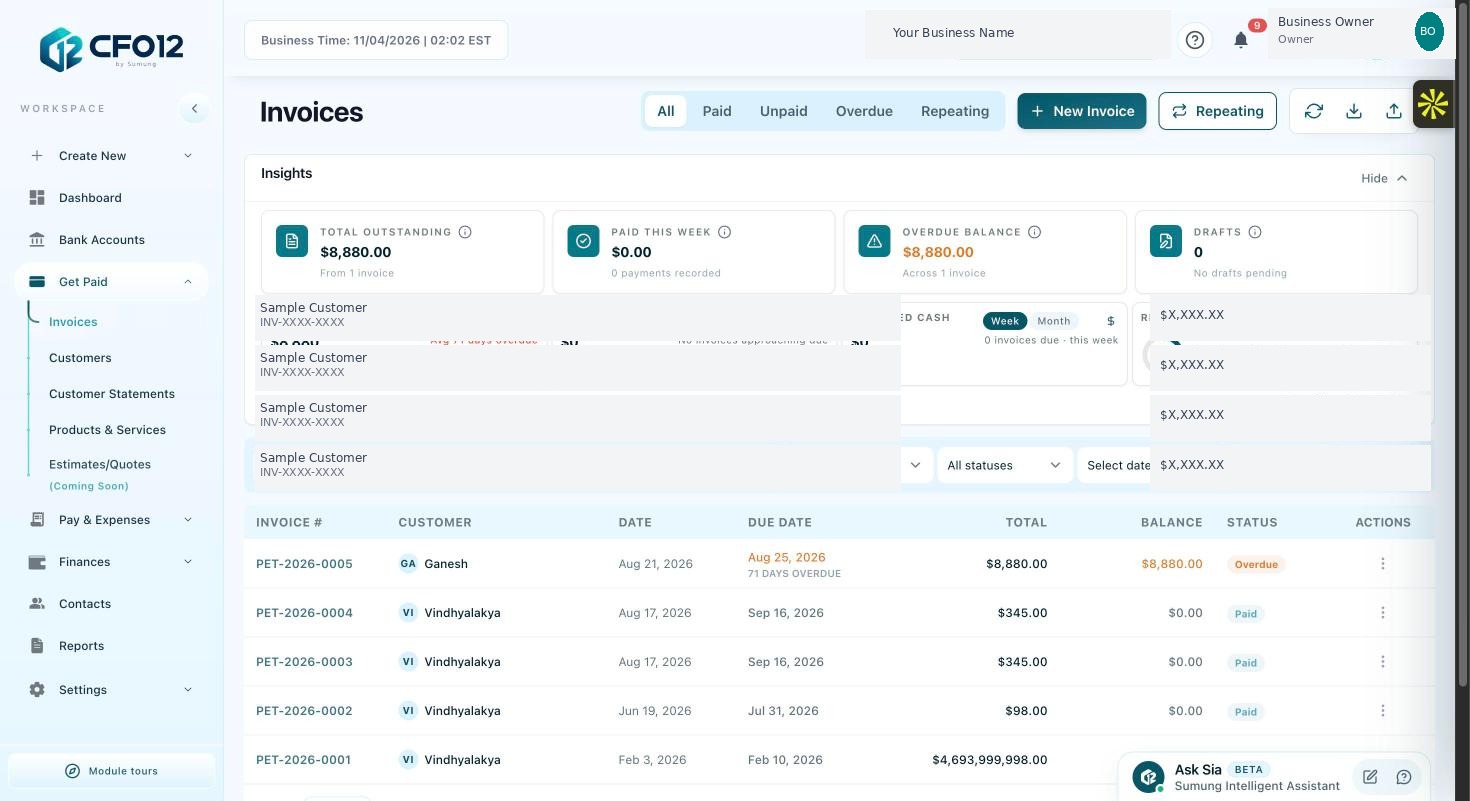
The Paid tab shows all invoices that have been fully paid by customers.
What You Can Do
- Go to Get Paid > Invoices.
- Click the Paid tab at the top of the invoices list.
- The list shows all invoices with a Paid status.
- Use the customer and date range filters to narrow the results.
💡 Paid invoices are a good reference for your Income by Customer report.
Related Articles
Was this article helpful?
Your feedback helps us improve our documentation.