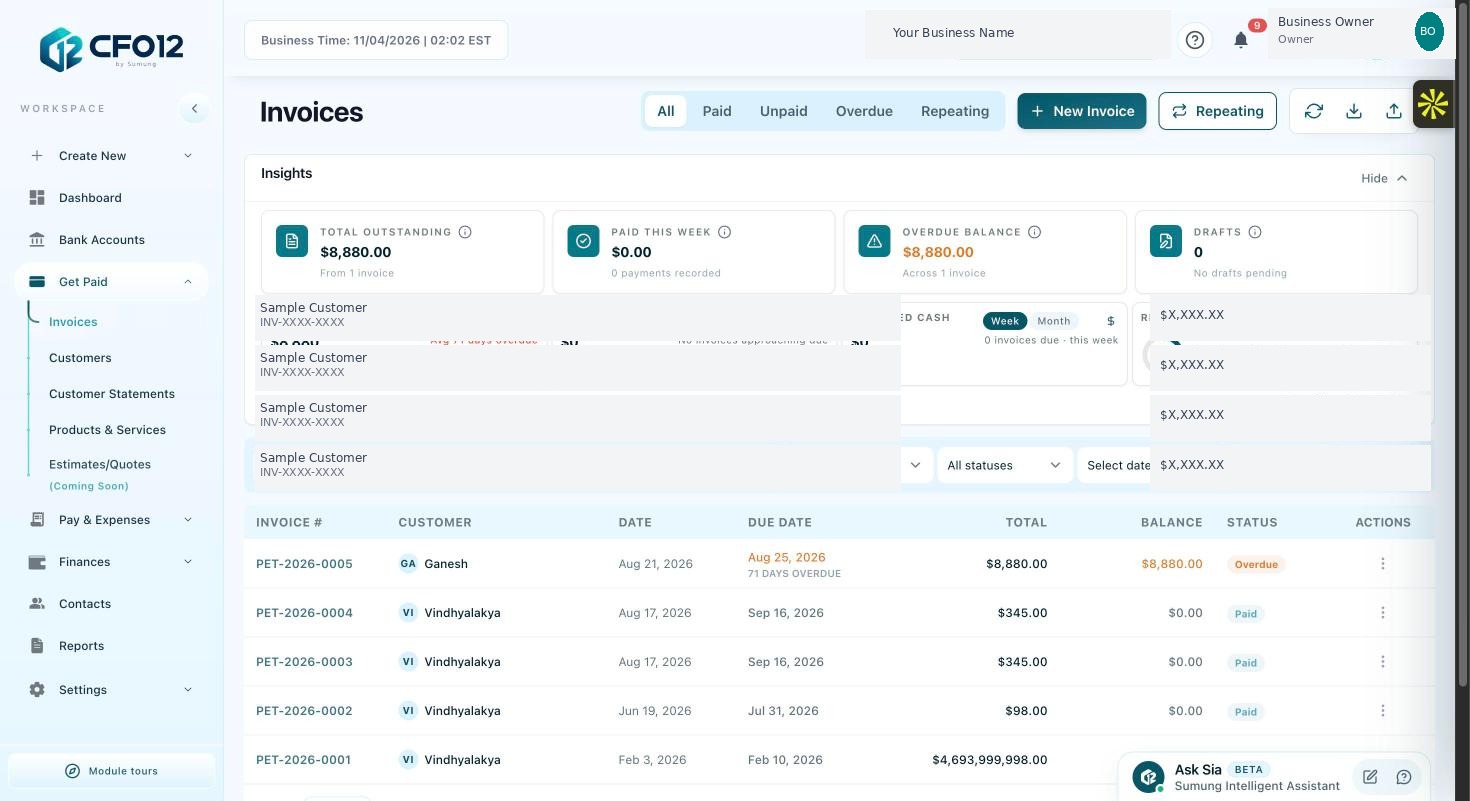
Use filters and search on the Invoices page to quickly locate any invoice.
What You Can Do
- Go to Get Paid > Invoices.
- Use the customer filter to narrow the list to a specific customer.
- Use the status tabs (All, Paid, Unpaid, Overdue, Repeating) to filter by invoice status.
- Use the date filter to narrow results by issue date.
- Clear all filters to return to the full list.
💡 Combining multiple filters (customer + date range + status) is the fastest way to find a specific invoice.
Related Articles
Was this article helpful?
Your feedback helps us improve our documentation.