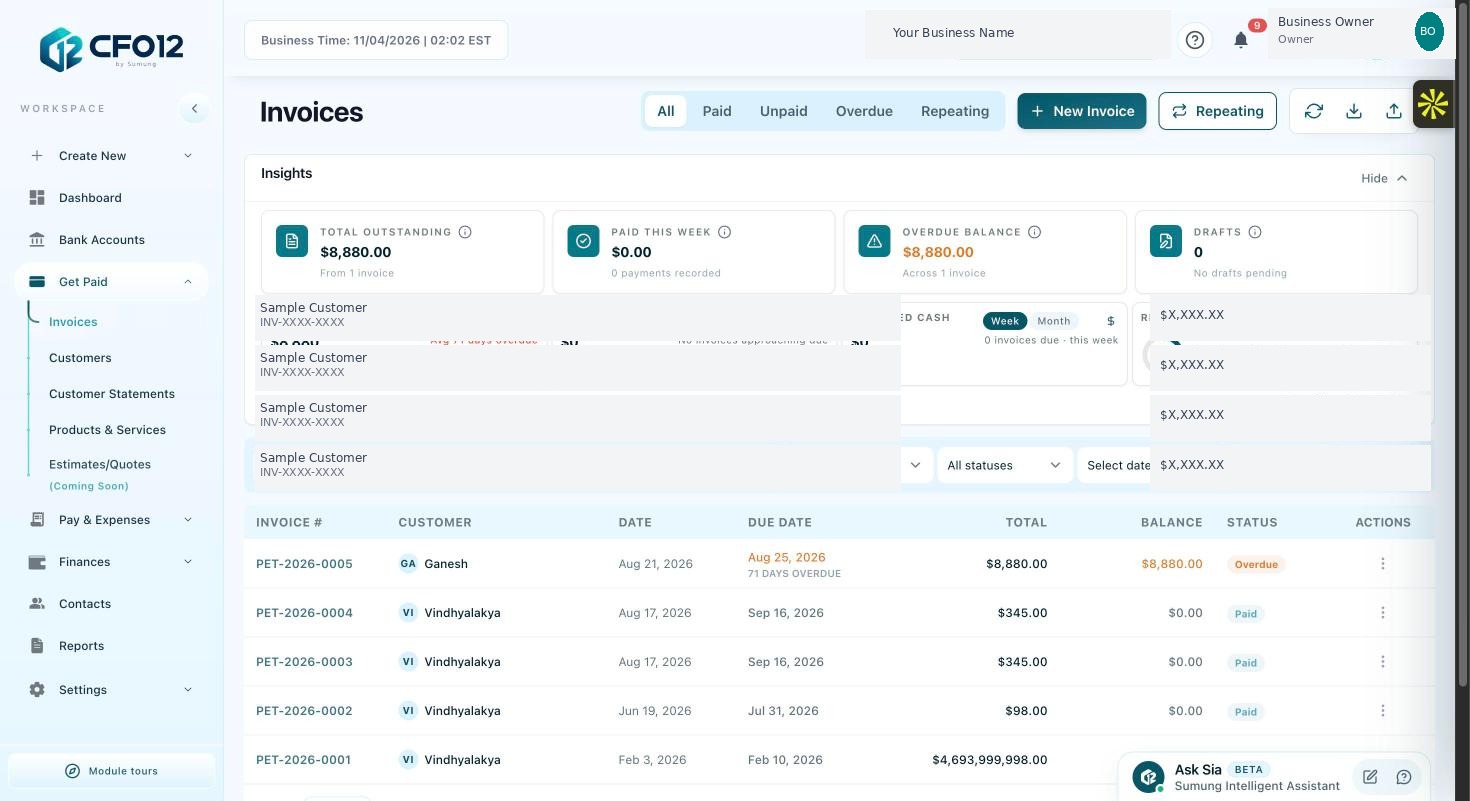
Use the date range filter to view invoices issued within a specific period.
What You Can Do
- Go to Get Paid > Invoices.
- Click the Select date range field.
- Pick a start and end date using the date picker.
- The invoice list updates to show only invoices within that range.
- Remove the filter to return to the full list.
💡 Combining date range and customer filters helps you generate targeted invoice reports.
Related Articles
- How to Filter Invoices by Customer
- How to View Invoice Insights
- How to Export Invoices
Was this article helpful?
Your feedback helps us improve our documentation.