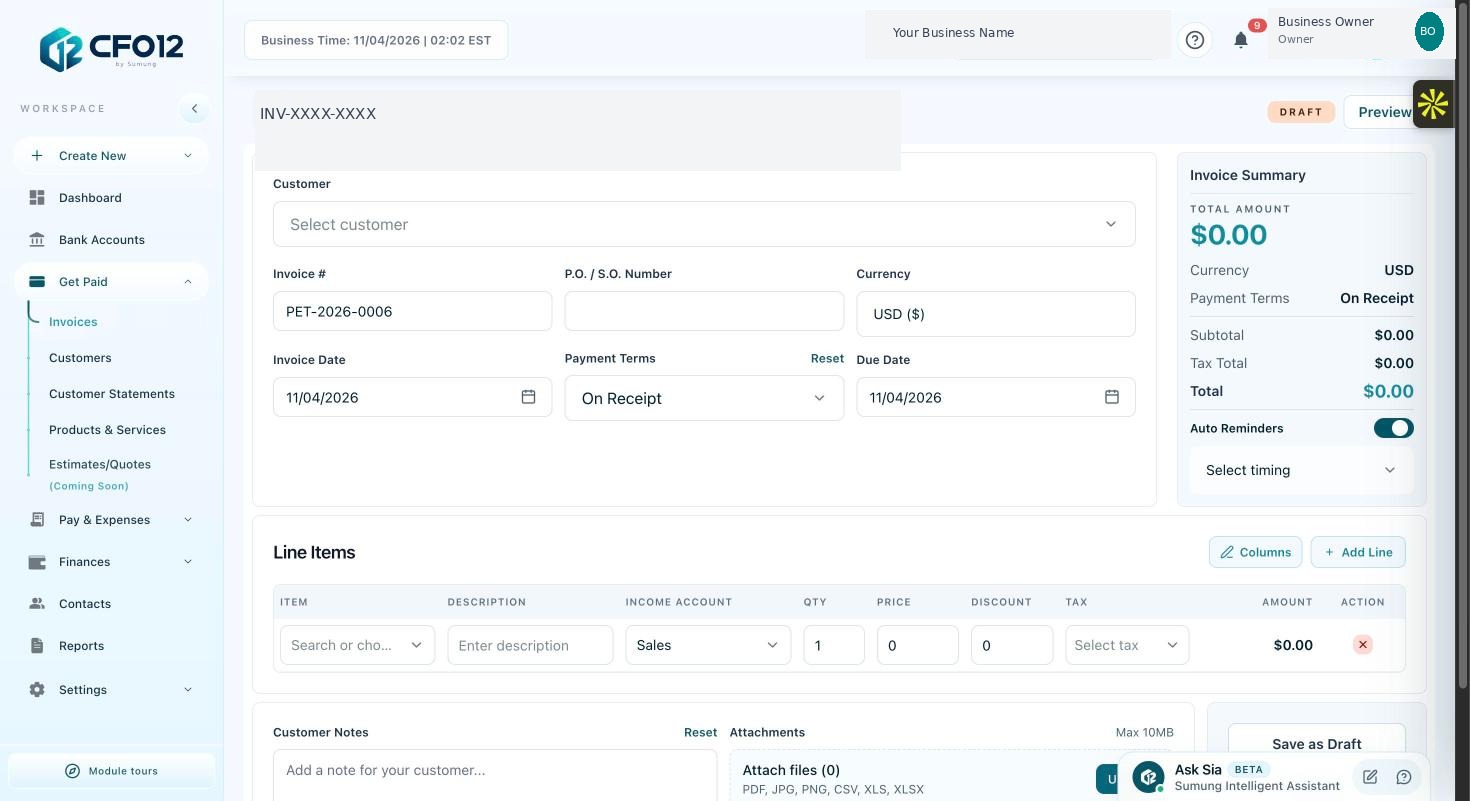
CFO12 generates a PDF version of every invoice that you can download or print.
What You Can Do
- Open an invoice from the Invoices list.
- Use the Download PDF action on the invoice.
- Use your browser's print or download option to save or print the invoice.
- The PDF includes all line items, totals, customer details, and your business information.
💡 Customise how your invoice PDF looks by updating your invoice template under Settings > Templates.
Related Articles
- How to Preview an Invoice
- How to Send an Invoice to a Customer
- How to Customise Invoice Templates
Was this article helpful?
Your feedback helps us improve our documentation.