Archiving a product removes it from active lists without deleting its history on past invoices.
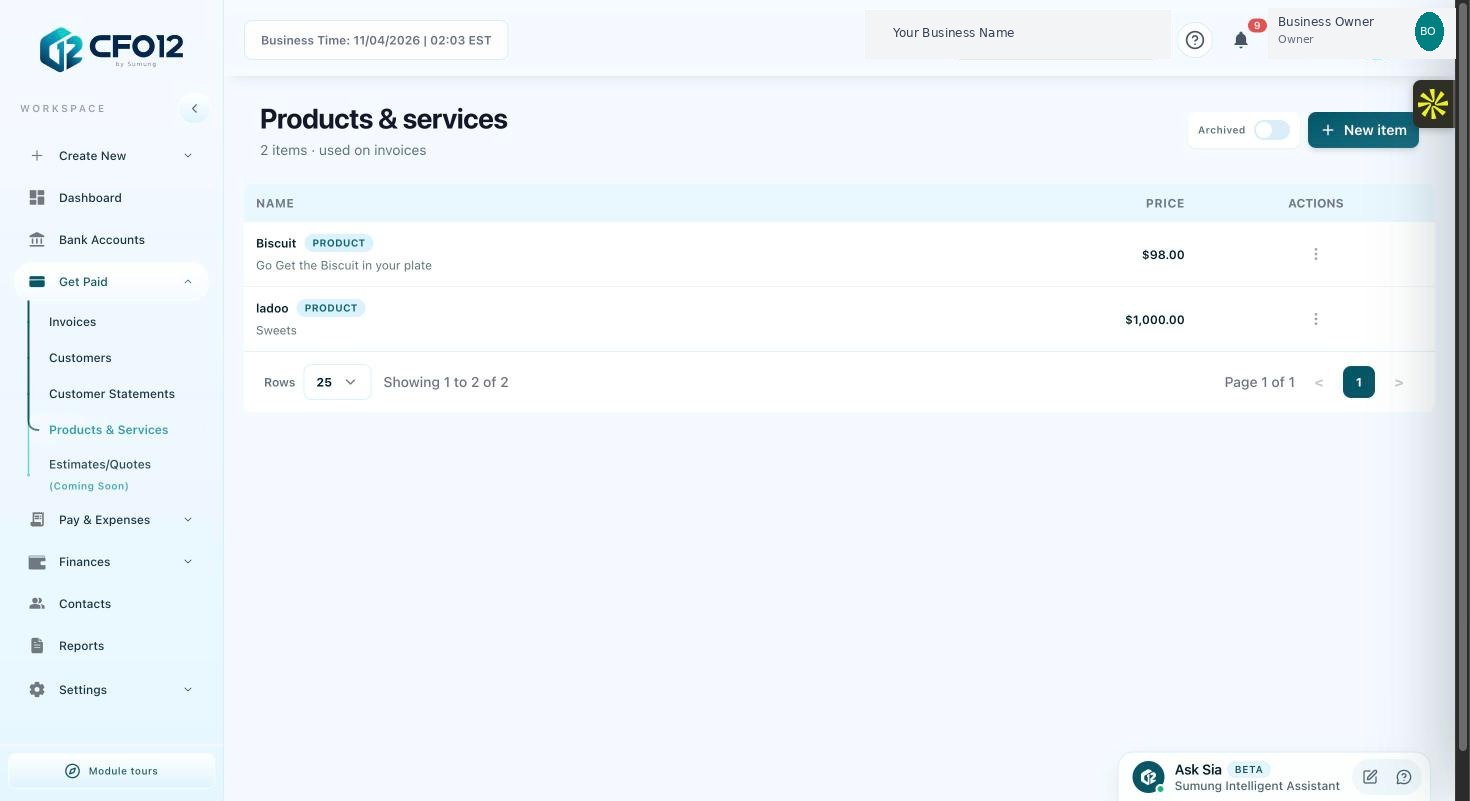
What You Can Do
- Go to Get Paid > Products & Services.
- Find the product or service in the list.
- Click the archive action for that item.
- The item is moved to the Archived list and no longer appears in the invoice item dropdown.
- Click Archived to view archived items and unarchive if needed.
💡 Archive products you no longer sell to keep your active product list clean and easy to use.
Related Articles
- How to Add a Product or Service
- How to Edit a Product or Service
- How to View Archived Products
Was this article helpful?
Your feedback helps us improve our documentation.