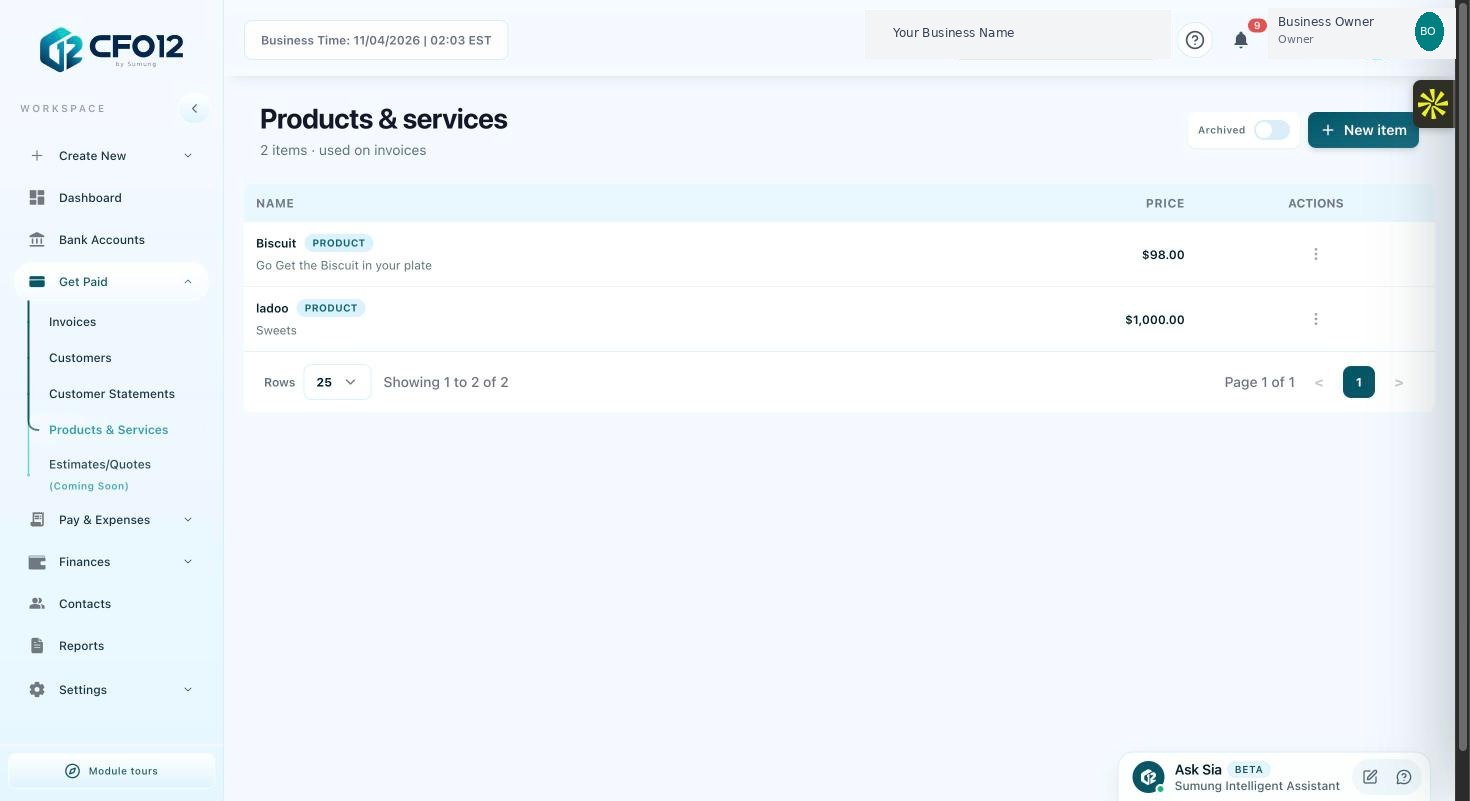
You can update the name, price, or description of any product or service from the Products & Services page.
What You Can Do
- Go to Get Paid > Products & Services.
- Find the item in the list.
- Click the edit action for that item.
- Update the item details such as name, price, description, or usage settings.
- Click Save to apply your changes.
💡 Editing an item does not change it on past invoices — only on new invoices created after the edit.
Related Articles
- How to Add a Product or Service
- How to Archive a Product
- How to View All Products
Was this article helpful?
Your feedback helps us improve our documentation.