
How to Add a Product or Service for Invoices

Products and services can be pre-saved in CFO12 so they can be quickly added to invoices. Go to Get Paid > Products & Services, or click Create New > New…

Last updated

Quick answer

To add a product or service for invoices in CFO12, go to Get Paid, Products & Services and click New item, or use Create New, then New Product/Service. Enter the name, type, price and description, enable the item for invoices in the usage settings, turn on the taxable option if needed, and click Save.

Products and services can be pre-saved in CFO12 so they can be quickly added to invoices.
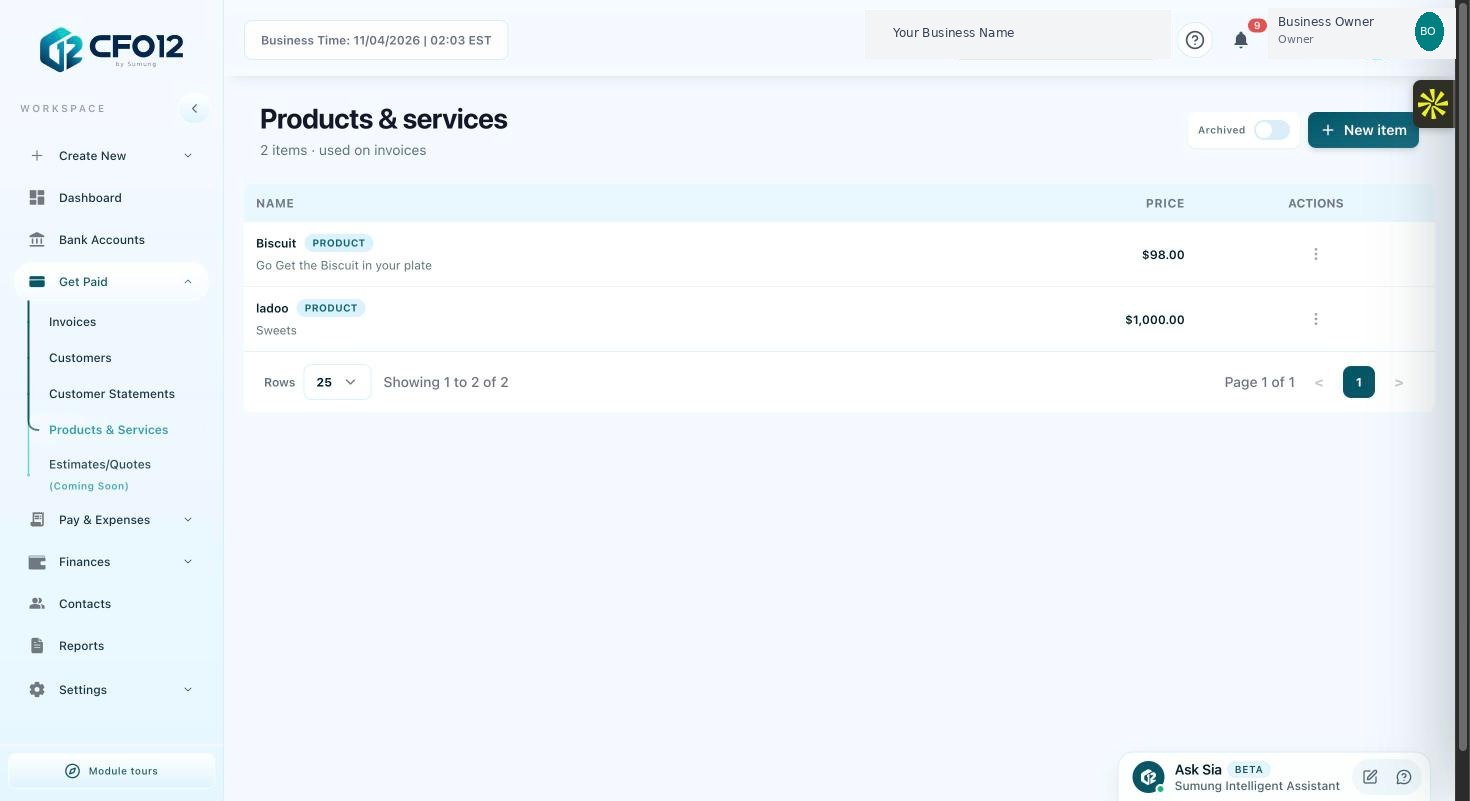
How to Add a Product or Service for Invoices screenshot

What You Can Do

  1. Go to Get Paid > Products & Services, or click Create New > New Product/Service.
  2. Click New item.
  3. Fill in the item details including name, type, price, and description.
  4. In the usage settings, enable this item for invoices.
  5. Toggle the taxable option on if the item is taxable.
  6. Click Save.

💡 Items saved here appear in the ITEM dropdown when you add line items to an invoice.

Related Articles

Was this article helpful?

Your feedback helps us improve our documentation.

Frequently asked questions

Will editing a product's price change my old invoices?

No. Editing an item only affects new invoices created after the change; past invoices keep their original details.

How do I stop a product appearing in the ITEM dropdown?

Archive it from the Products & Services page. Archived items no longer appear in the invoice item dropdown, their history on past invoices is kept, and you can unarchive them from the Archived view.

Is this the same list I use for bills?

The Products & Services list under Get Paid holds items used on invoices. A matching Products & Services list exists under Pay & Expenses for items used on bills.

Complete guideInvoicing and getting paid in CFO12: complete guide