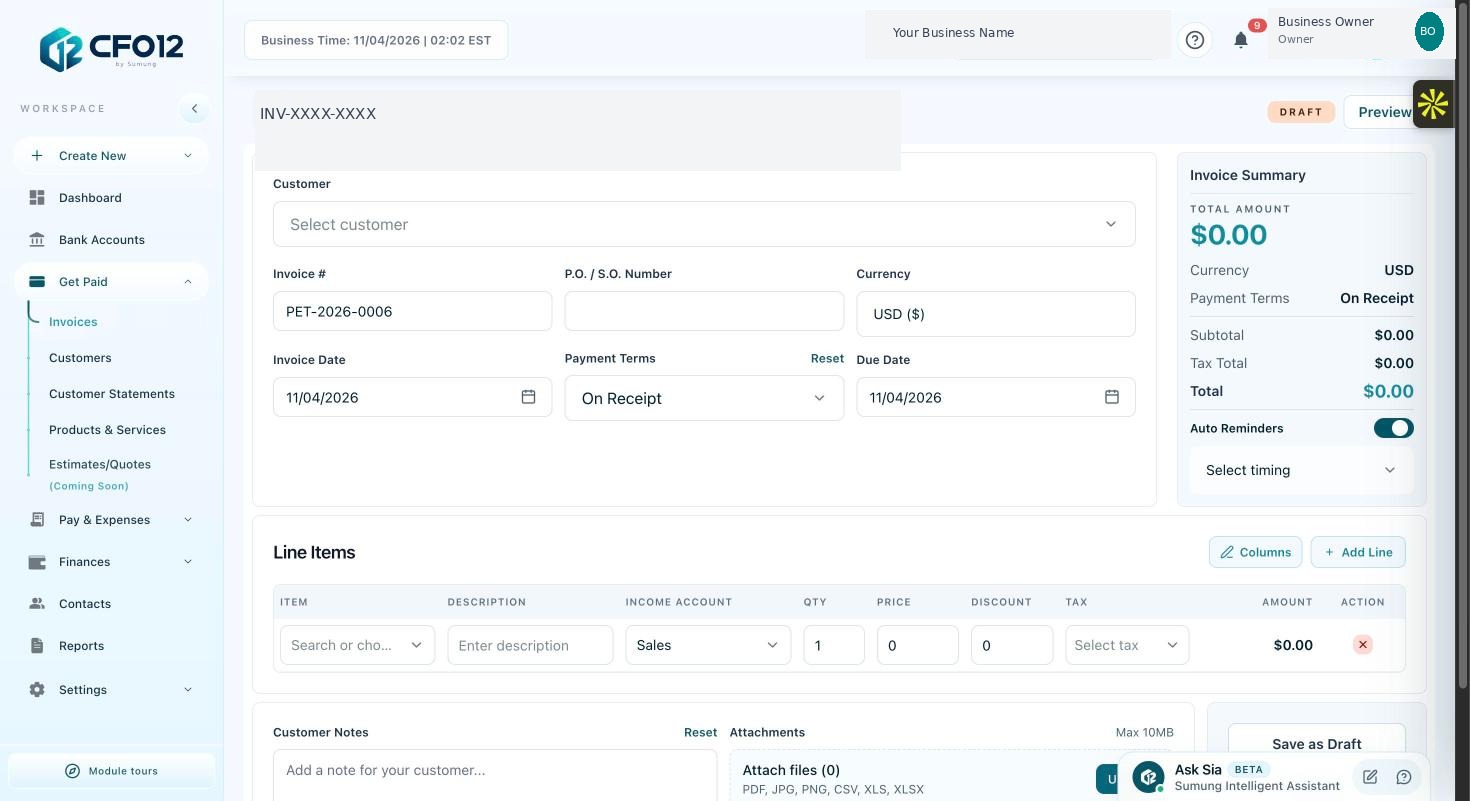
Adding a Purchase Order or Sales Order number to an invoice helps you reference customer purchase authorizations.
What You Can Do
- Open or create an invoice.
- Locate the P.O. / S.O. Number field near the top of the invoice form.
- Enter the purchase order or sales order number provided by your customer.
- This number appears on the invoice PDF sent to the customer.
💡 The P.O./S.O. field is optional but useful for customers who require it for their own records.
Related Articles
Was this article helpful?
Your feedback helps us improve our documentation.