
What Is a Bank Transaction in CFO12?

A bank transaction is any movement of money in or out of a bank account recorded in CFO12. Bank transactions include deposits, payments, fees, and transfers.

Last updated

Quick answer

A bank transaction in CFO12 is any movement of money in or out of a bank account, such as a deposit, payment, fee or transfer. Transactions are added by importing bank statement files under Bank Accounts, then categorised to an account and matched to invoices, bills or expenses so they appear in your financial reports.

A bank transaction is any movement of money in or out of a bank account recorded in CFO12.
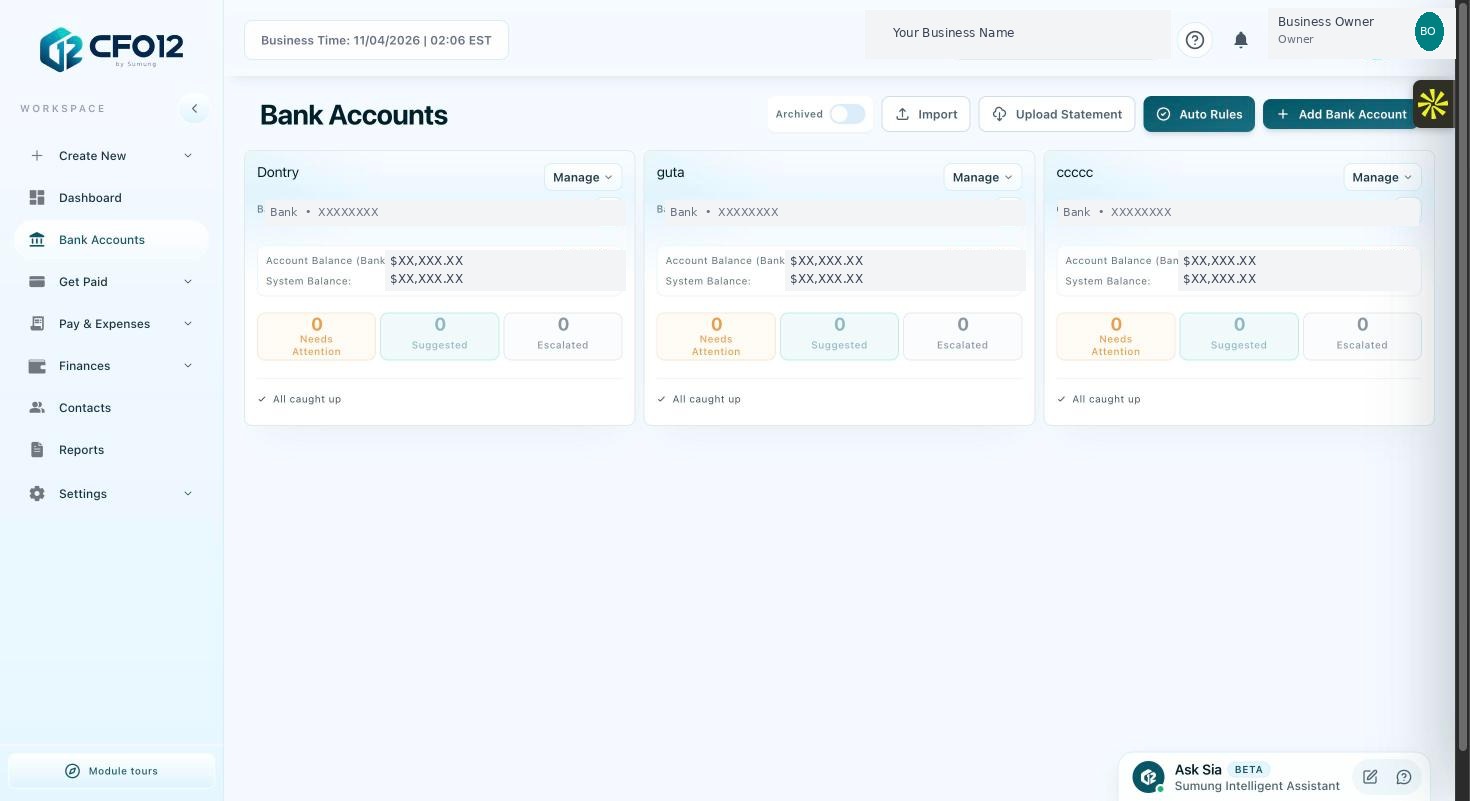
What Is a Bank Transaction in CFO12? screenshot

What You Can Do

  1. Bank transactions include deposits, payments, fees, and transfers.
  2. They are added to CFO12 by importing bank statement files.
  3. Each transaction is then categorised and matched to invoices, bills, or expenses.
  4. Categorised transactions appear in your financial reports.

💡 Transactions not yet categorised appear as uncategorised until you assign them an account.

Related Articles

Was this article helpful?

Your feedback helps us improve our documentation.

Frequently asked questions

What does uncategorised mean on a transaction?

It means the transaction has not yet been assigned an account. It stays uncategorised until you categorise it to an account from your Chart of Accounts.

How are income and expense transactions told apart?

Income transactions show positive amounts for money received, and expense transactions show negative or outgoing amounts for money spent. Categorise income to an income account and expenses to an expense account so they flow into your Profit & Loss report.

When should I delete a bank transaction instead of categorising it?

Only delete a transaction that is a genuine duplicate or was imported in error, because deletion removes it from the account permanently. Real transactions should be categorised instead.

Complete guideBank reconciliation in CFO12: complete guide