
How to Reconcile Bank Transactions

Reconciliation ensures your bank account balance in CFO12 matches your actual bank statement. Open the bank account you want to reconcile.

Last updated

Quick answer

To reconcile a bank account in CFO12, open the account under Bank Accounts and compare its transactions with your bank statement. Match each transaction to the corresponding invoice, bill or expense, and categorise anything left unmatched. Reconciliation is complete when every transaction is matched and the account balance matches your statement.

Reconciliation ensures your bank account balance in CFO12 matches your actual bank statement.
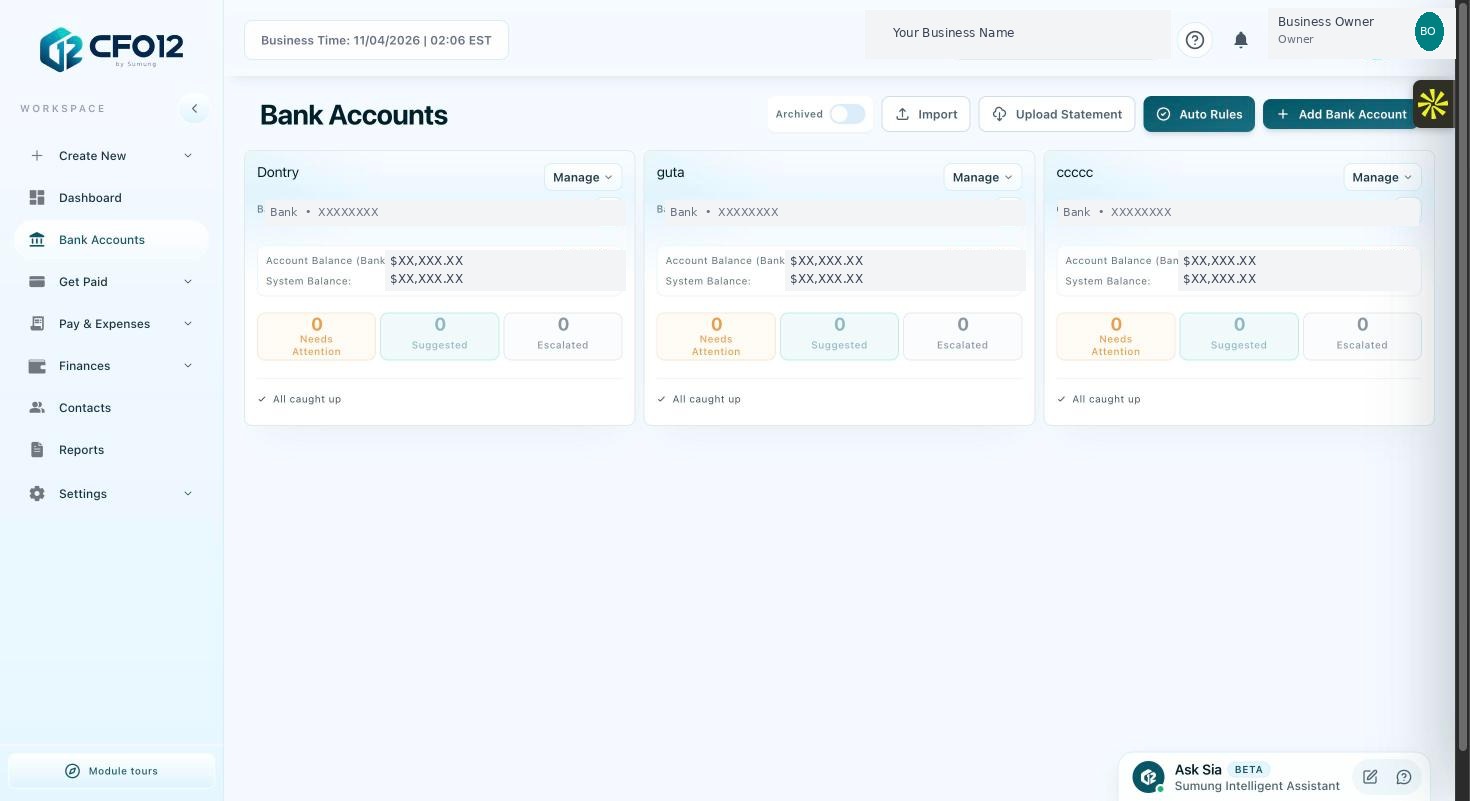
How to Reconcile Bank Transactions screenshot

What You Can Do

  1. Open the bank account you want to reconcile.
  2. Compare the transactions listed in CFO12 with your bank statement.
  3. Match each transaction to the corresponding invoice, bill, or expense.
  4. Categorise any unmatched transactions.
  5. When all transactions are matched and the balance matches your statement, reconciliation is complete.

💡 Regular monthly reconciliation keeps your books accurate and reduces errors.

Related Articles

Was this article helpful?

Your feedback helps us improve our documentation.

Frequently asked questions

Why is bank reconciliation important?

Reconciling confirms that every transaction in your books matches what actually happened in your bank, which catches missing, duplicate or miscategorised entries. Reconciled accounts make your financial reports reliable.

How do I find transactions that still need reconciling?

Open the bank account and look for transactions that have not yet been categorised or matched; they are typically shown without an assigned account or link. Match or categorise each one to bring the account up to date.

What should I check if the balance does not match my bank statement?

Look for missing imports, duplicate transactions and uncategorised transactions, and compare the number of transactions for the period with your statement. Your Opening Balance in Financial Settings also affects each account's starting balance.

Complete guideBank reconciliation in CFO12: complete guide