
How to Match a Transaction to an Invoice

Matching a bank transaction to an invoice confirms that a customer payment has been received. Open the bank account and find the incoming payment transaction.

Last updated

Quick answer

To match a bank transaction to an invoice in CFO12, open the bank account under Bank Accounts and find the incoming payment. Click the match option, search for and select the corresponding invoice, then confirm. The invoice status updates to Paid and the transaction is marked as reconciled, confirming the customer payment was received.

Matching a bank transaction to an invoice confirms that a customer payment has been received.
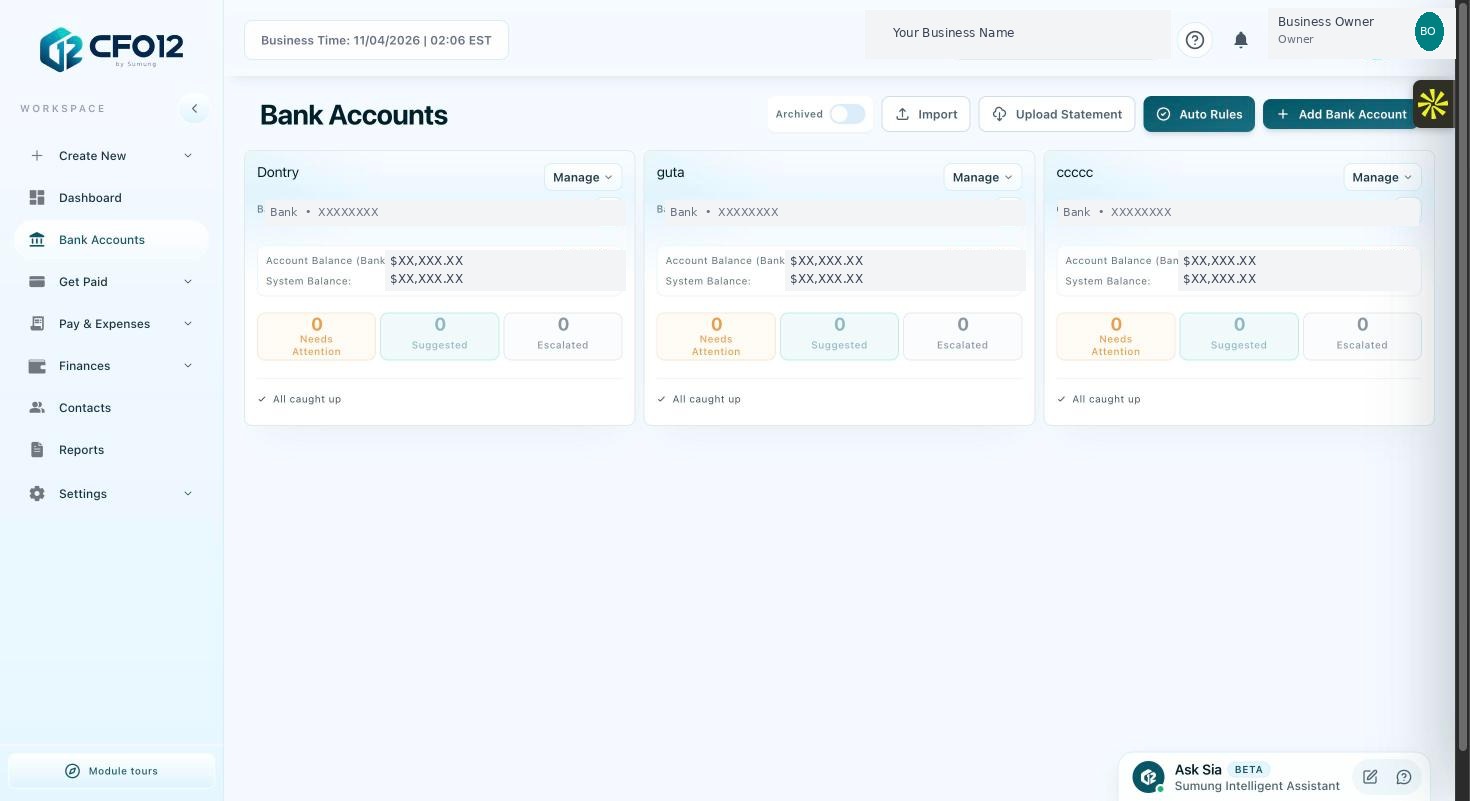
How to Match a Transaction to an Invoice screenshot

What You Can Do

  1. Open the bank account and find the incoming payment transaction.
  2. Click the match option for the transaction.
  3. Search for and select the corresponding invoice.
  4. Confirm the match. The invoice status updates to Paid.
  5. The transaction is marked as reconciled.

💡 Matching payments to invoices keeps your Accounts Receivable balance accurate.

Related Articles

Was this article helpful?

Your feedback helps us improve our documentation.

Frequently asked questions

Why match customer payments to invoices instead of just categorising them?

Matching links the deposit to the invoice it pays, which marks the invoice as Paid and keeps your Accounts Receivable balance accurate. Accounts Receivable is money customers owe you, so unmatched payments can make it look as if customers still owe amounts they have already paid.

Can I match a transaction to a journal entry?

Yes. Click the match option, search for the corresponding journal entry and confirm, and the transaction is reconciled against it. This is typically used for items such as bank fees or interest recorded as journal entries.

Where do I find incoming payments that still need matching?

Open the bank account and look for transactions that have not yet been categorised or matched; they are typically shown without an assigned account or link. Incoming payments show positive amounts for money received.

Complete guideBank reconciliation in CFO12: complete guide