Auto Rules let you define rules that automatically categorise bank transactions when they are imported.
What You Can Do
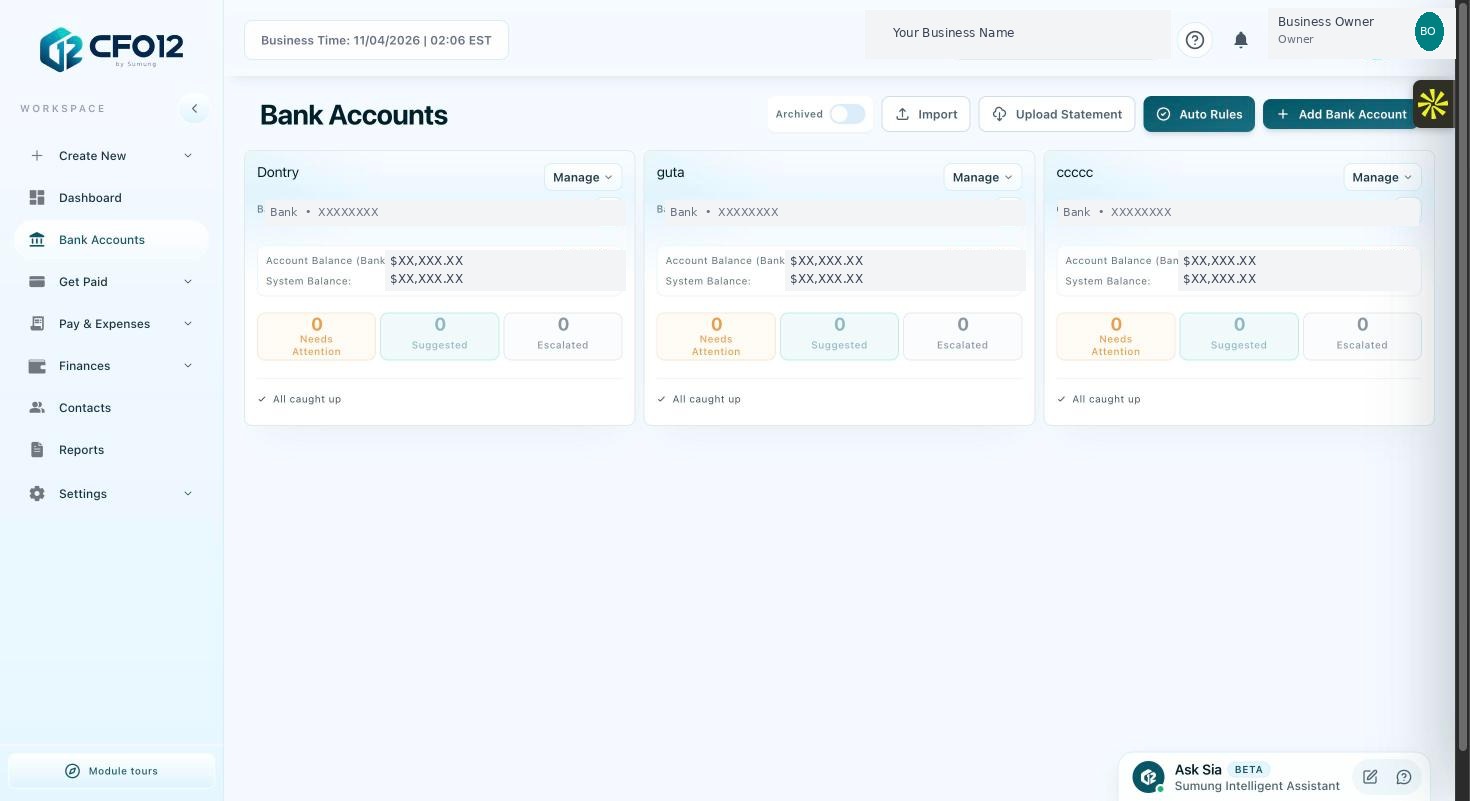
- Go to Bank Accounts.
- Click Auto Rules.
- Create a new rule by defining the conditions (e.g., a condition to match the transaction) and the category to apply.
- When you import transactions, matching ones are automatically categorised using your rules.
- Review auto-categorised transactions to confirm they are correct.
💡 Auto Rules save time by reducing manual categorisation when you import bank statements.
Related Articles
Was this article helpful?
Your feedback helps us improve our documentation.