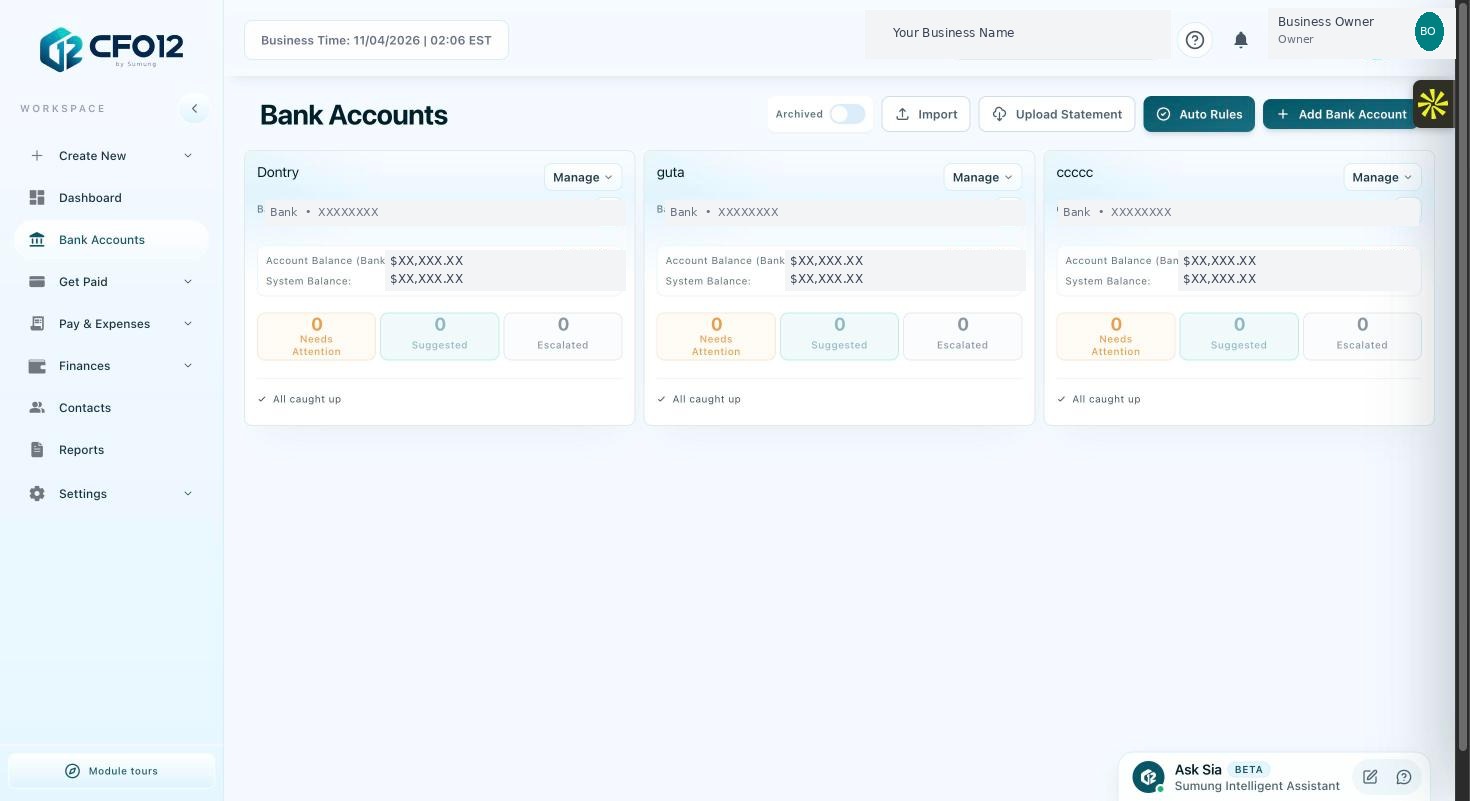
Import bank statement files into CFO12 to record transactions from your financial institution.
What You Can Do
- Go to Bank Accounts and open the relevant account.
- Click Import.
- Select or upload your bank statement file.
- Follow the on-screen steps to confirm the import.
- Transactions are added to the account and can be categorised and matched.
💡 Download your bank statement from your bank's online portal before importing.
Related Articles
- What Are Auto Rules?
- How to Categorise a Bank Transaction
- How to Match a Transaction to an Invoice
Was this article helpful?
Your feedback helps us improve our documentation.