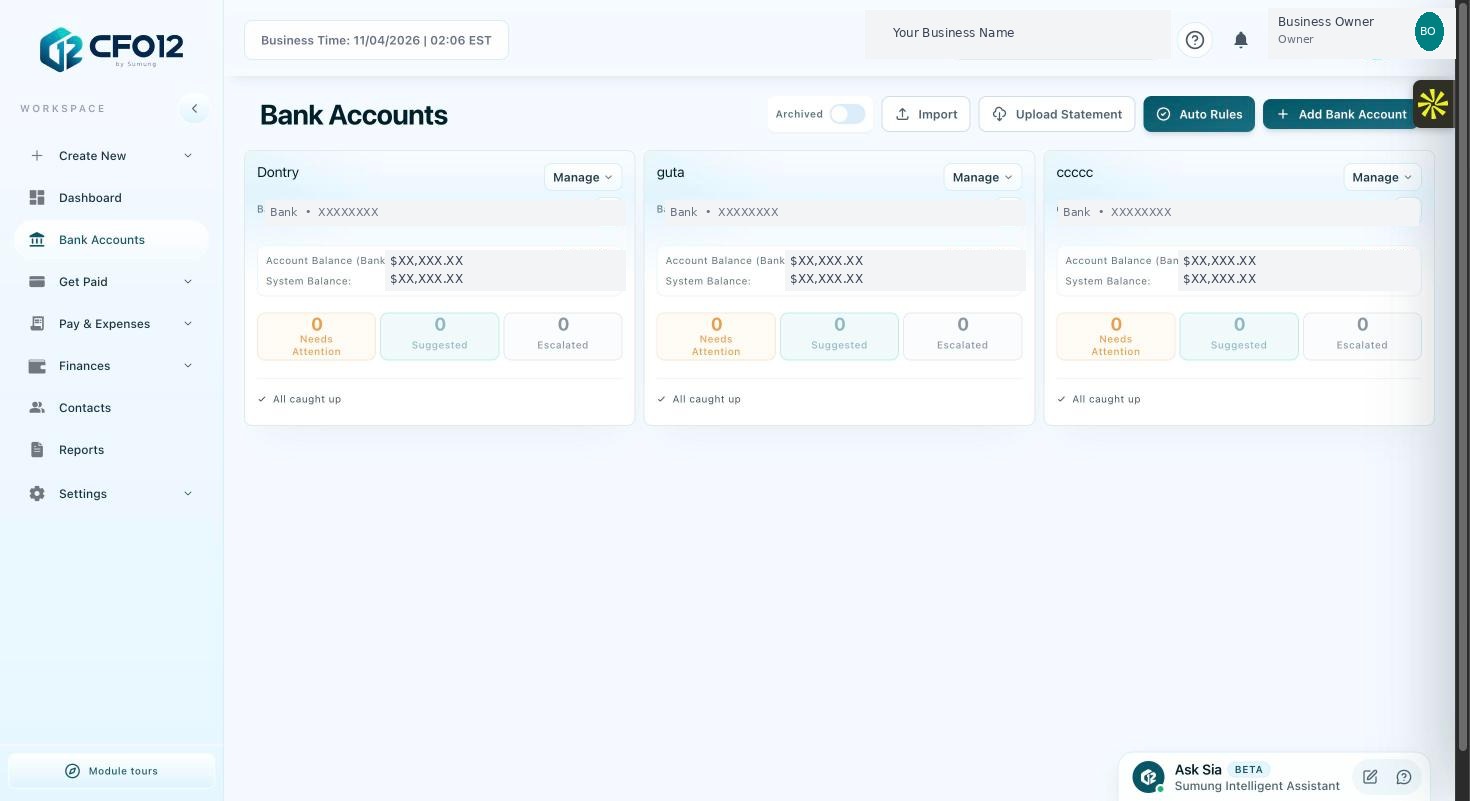
The Bank Accounts page gives you an overview of all your business accounts and their balances.
What You Can Do
- Click Bank Accounts in the left sidebar.
- All active bank accounts are shown on the page.
- Each account shows the account name and details.
- Click an account to view its transactions.
- Click Archived to see accounts that have been archived.
💡 The Bank Accounts page is a quick dashboard for all your business banking activity.
Related Articles
Was this article helpful?
Your feedback helps us improve our documentation.