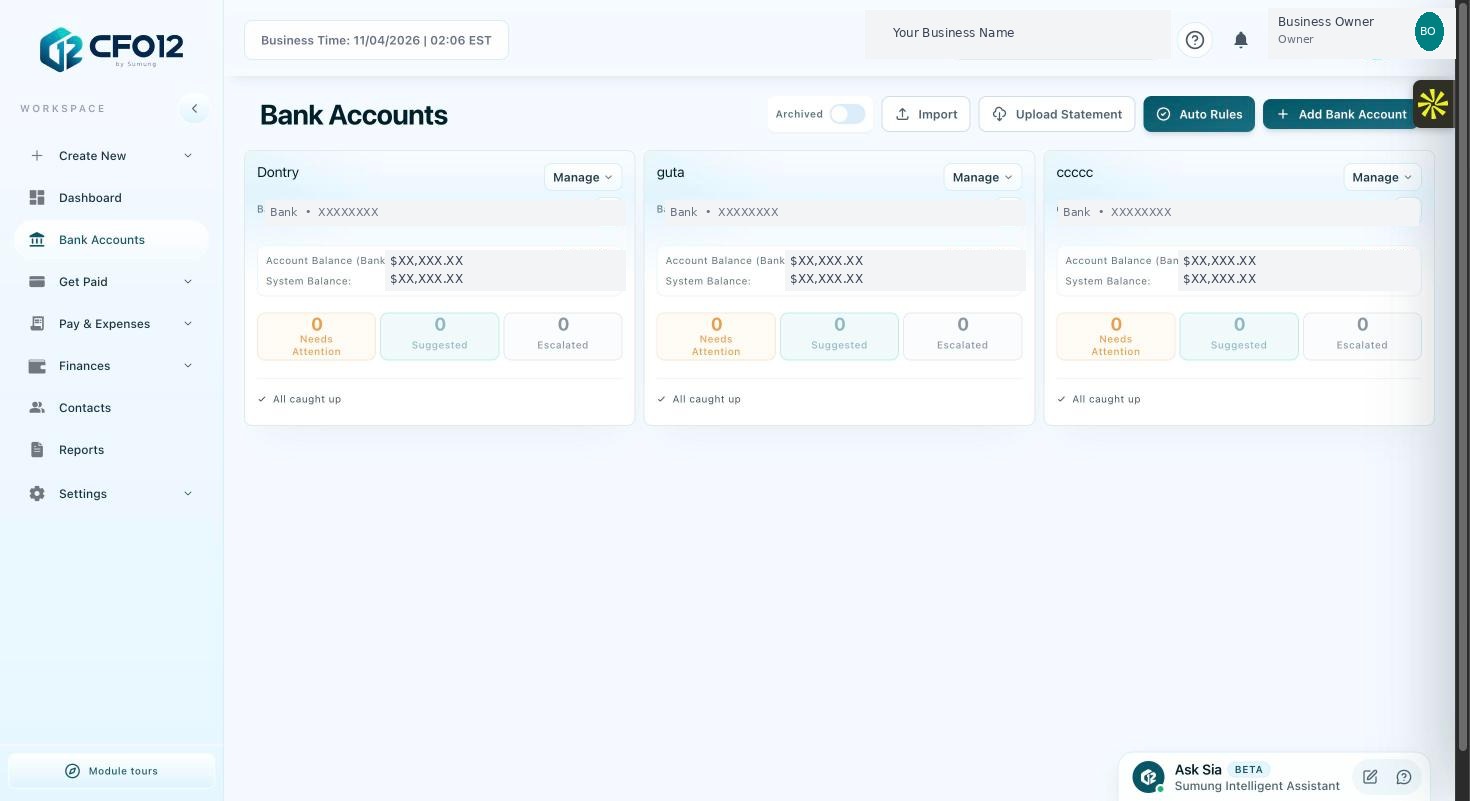
Unmatched transactions have been imported but not yet linked to an invoice, bill, or expense.
What You Can Do
- Open a bank account and view its transactions.
- Look for transactions that have not yet been categorised or matched.
- These are typically shown without an assigned account or link.
- Match or categorise each one to complete your reconciliation.
💡 Regularly clearing unmatched transactions keeps your reconciliation up to date.
Related Articles
Was this article helpful?
Your feedback helps us improve our documentation.