Unreconciled transactions are entries in your bank account that have not yet been matched to an invoice, bill, or categorised to an account.
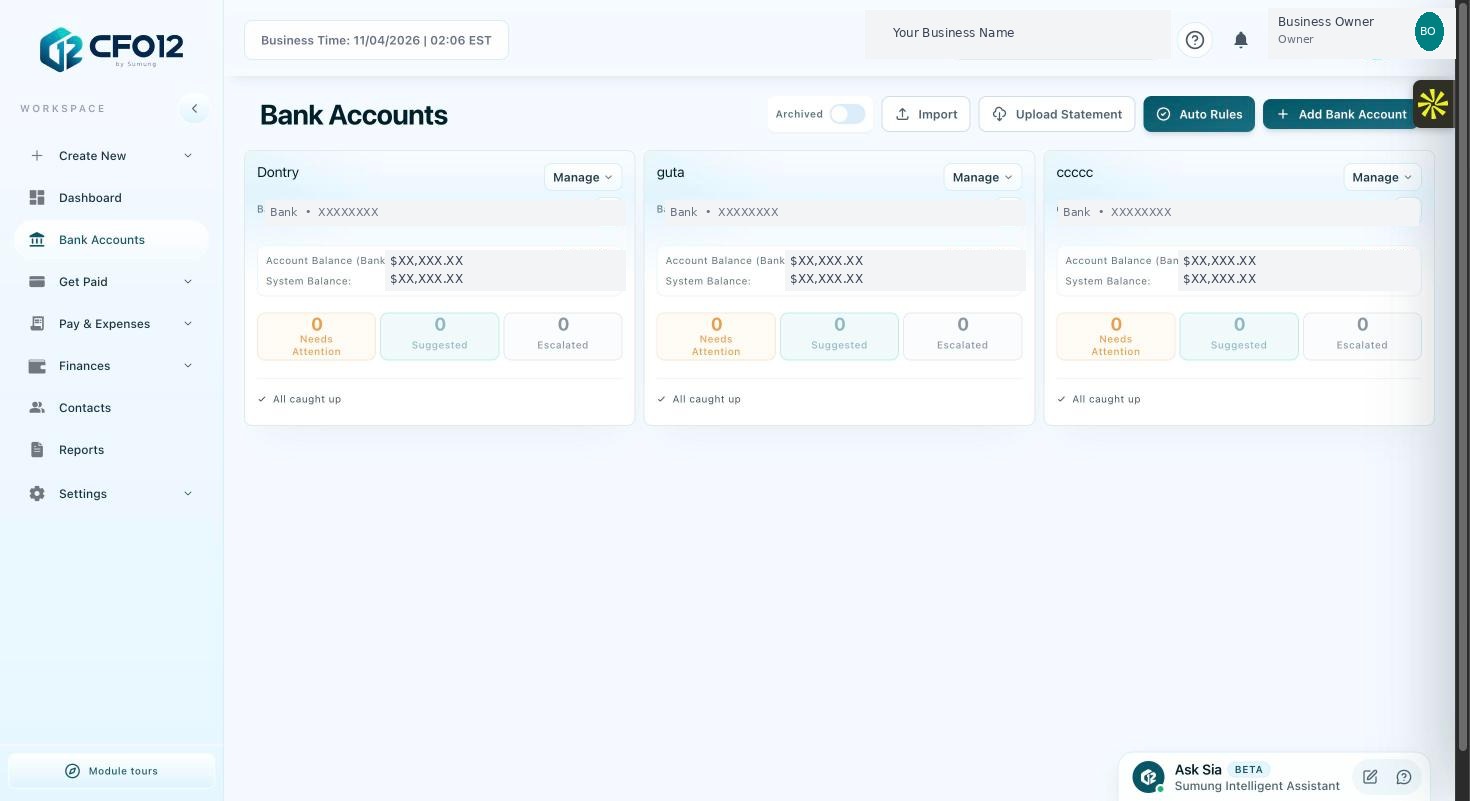
What You Can Do
- Open a bank account from the Bank Accounts page.
- Review the transaction list for any transactions not yet categorised or matched.
- Categorise each transaction to the correct account from your Chart of Accounts.
- Match transactions to open invoices or bills where applicable.
- Once all transactions are matched and categorised, your account is reconciled.
💡 A fully reconciled bank account means every transaction is accounted for — a key sign of accurate bookkeeping.
Related Articles
Was this article helpful?
Your feedback helps us improve our documentation.