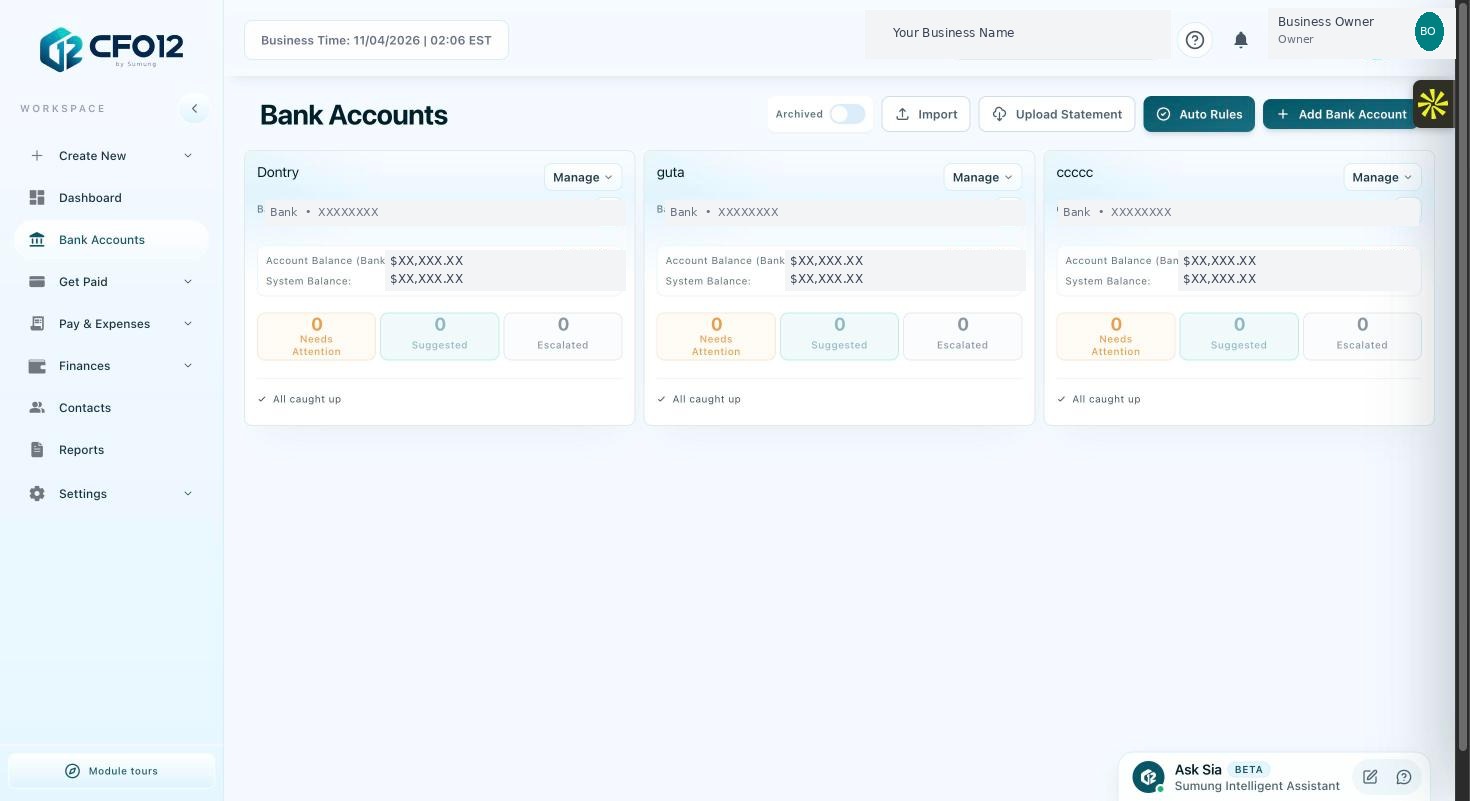
Track how many transactions are recorded in a bank account to gauge your import completeness.
What You Can Do
- Open a bank account from the Bank Accounts page.
- The transaction list shows all recorded transactions for the account.
- Use date filters to count transactions within a specific period.
- Compare the count with your bank statement to ensure nothing is missing.
💡 If the count does not match your bank statement, check for missing imports.
Related Articles
Was this article helpful?
Your feedback helps us improve our documentation.