
How to Reconcile End-of-Month Bank Statements

Month-end bank reconciliation ensures your CFO12 records match your official bank statement. At month end, download your bank statement.

Last updated

Quick answer

To reconcile your end-of-month bank statement in CFO12, download the statement from your bank and import any remaining transactions into the account under Bank Accounts. Categorise all uncategorised transactions, match the rest to invoices, bills or expenses, then verify that the closing balance matches your bank statement balance.

Month-end bank reconciliation ensures your CFO12 records match your official bank statement.
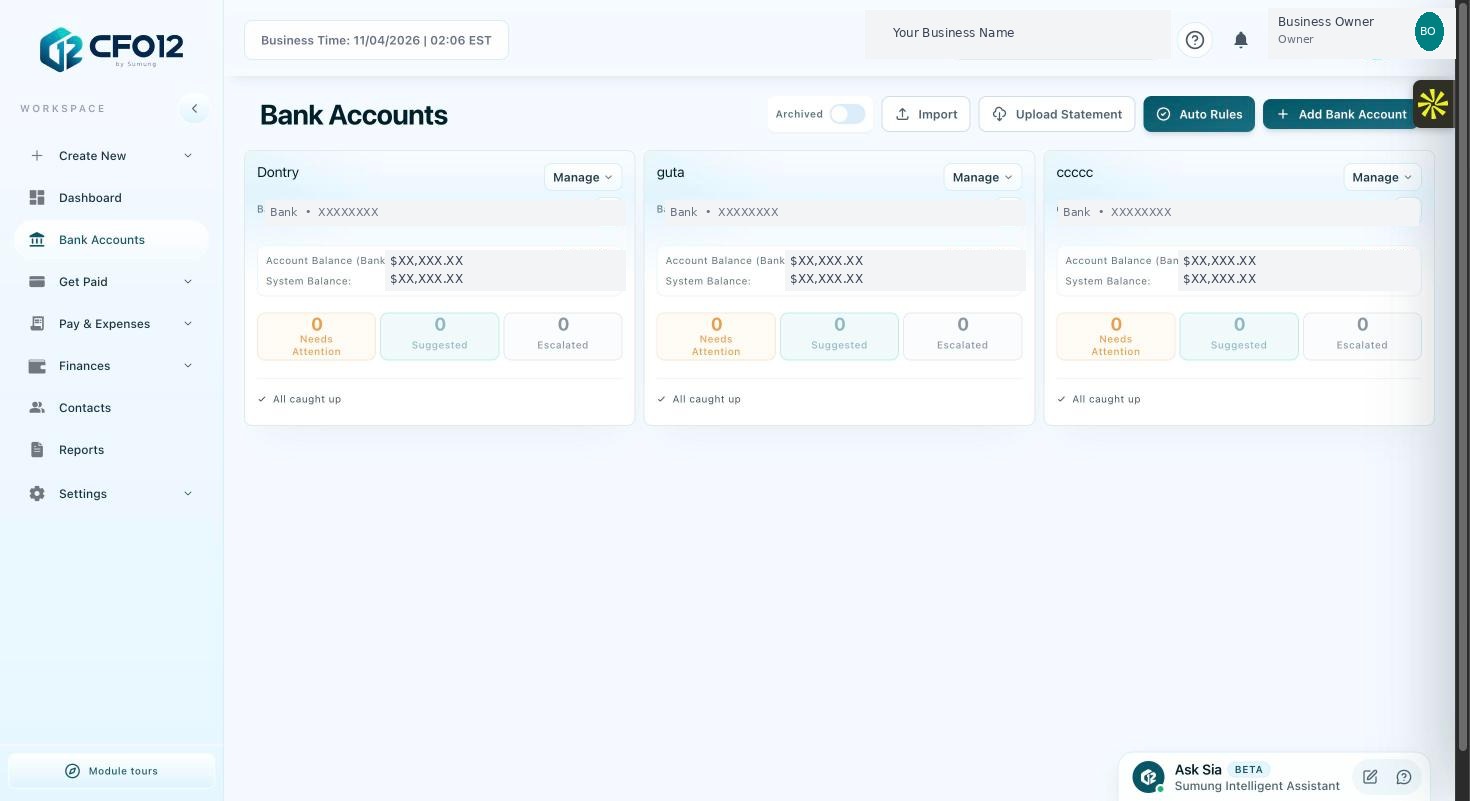
How to Reconcile End-of-Month Bank Statements screenshot

What You Can Do

  1. At month end, download your bank statement.
  2. Import any remaining transactions into CFO12.
  3. Categorise all uncategorised transactions.
  4. Match all transactions to corresponding invoices, bills, or expenses.
  5. Verify the closing balance in CFO12 matches your bank statement balance.

💡 A reconciled month-end balance is a key sign that your books are accurate.

Related Articles

Was this article helpful?

Your feedback helps us improve our documentation.

Frequently asked questions

How often should I reconcile my bank accounts?

Monthly is a good standard, soon after each statement arrives. Regular monthly reconciliation keeps your books accurate and makes errors easier to trace while they are recent.

What should I do with an unfamiliar transaction at month end?

Review its description, date and amount and compare it with your receipts, bills or vendor records before assigning an account. If you still cannot identify it, check with your bank before categorising it.

How does month-end reconciliation help with an audit?

Reconciled accounts whose balances match your bank statements are the foundation of a smooth audit. You can also export each account's transaction history and run financial reports to support audit documentation.

Complete guideBank reconciliation in CFO12: complete guide