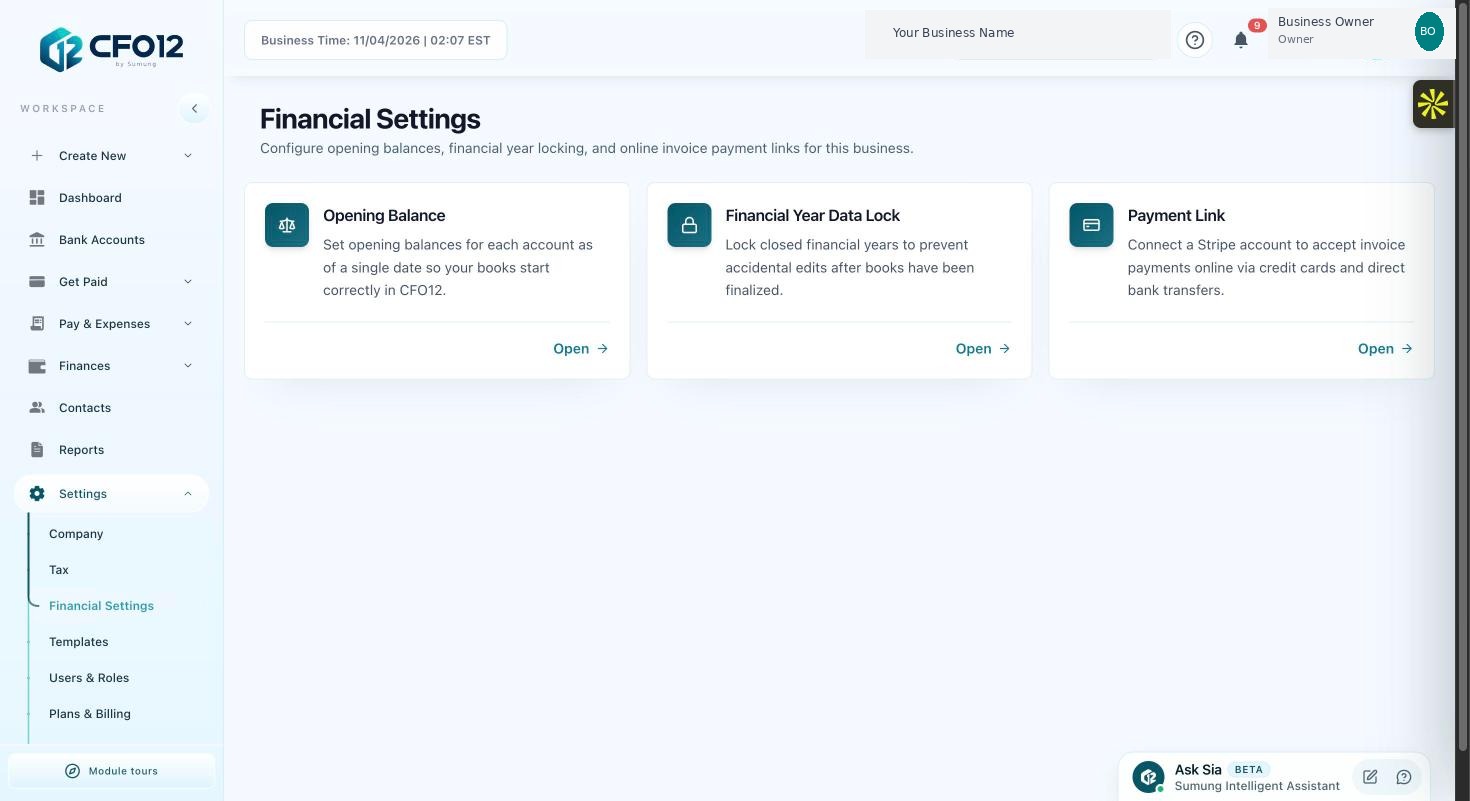
Financial Year Data Lock prevents accidental edits to transactions in a closed accounting year.
What You Can Do
- Go to Settings > Financial Settings.
- Find the Financial Year Data Lock setting.
- Set the lock date to the last day of your most recently closed fiscal year.
- Once locked, no transactions can be added or modified for dates before the lock date.
- This protects your historical financial data from accidental changes.
💡 Use Financial Year Data Lock after your accountant or auditor has finalised a year's financial statements.
Related Articles
- How to Set Up Financial Settings
- How to Set an Opening Balance
- Overview of Settings
Was this article helpful?
Your feedback helps us improve our documentation.