Add a custom tax rate to CFO12 for use on invoices and bills.
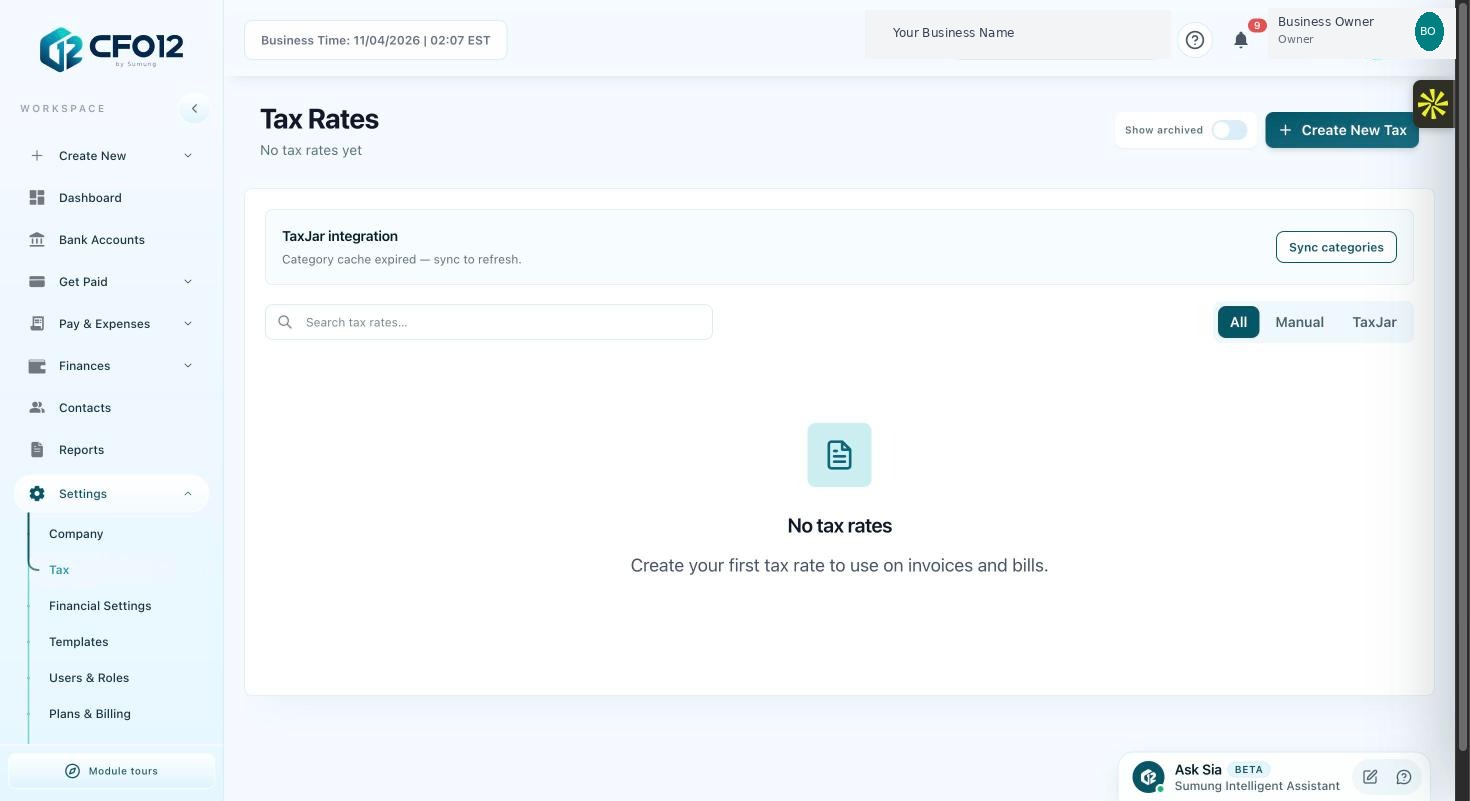
What You Can Do
- Go to Settings.
- Click to add a new tax rate.
- Enter the tax rate name and percentage.
- Save. The tax rate is available to select on invoice and bill line items.
💡 Name tax rates clearly (e.g., GST 5%, State Sales Tax 8%) so your team selects the right one.
Related Articles
- How to Set Up Tax Settings
- How to Apply Tax to an Invoice
- Overview of Settings
Was this article helpful?
Your feedback helps us improve our documentation.