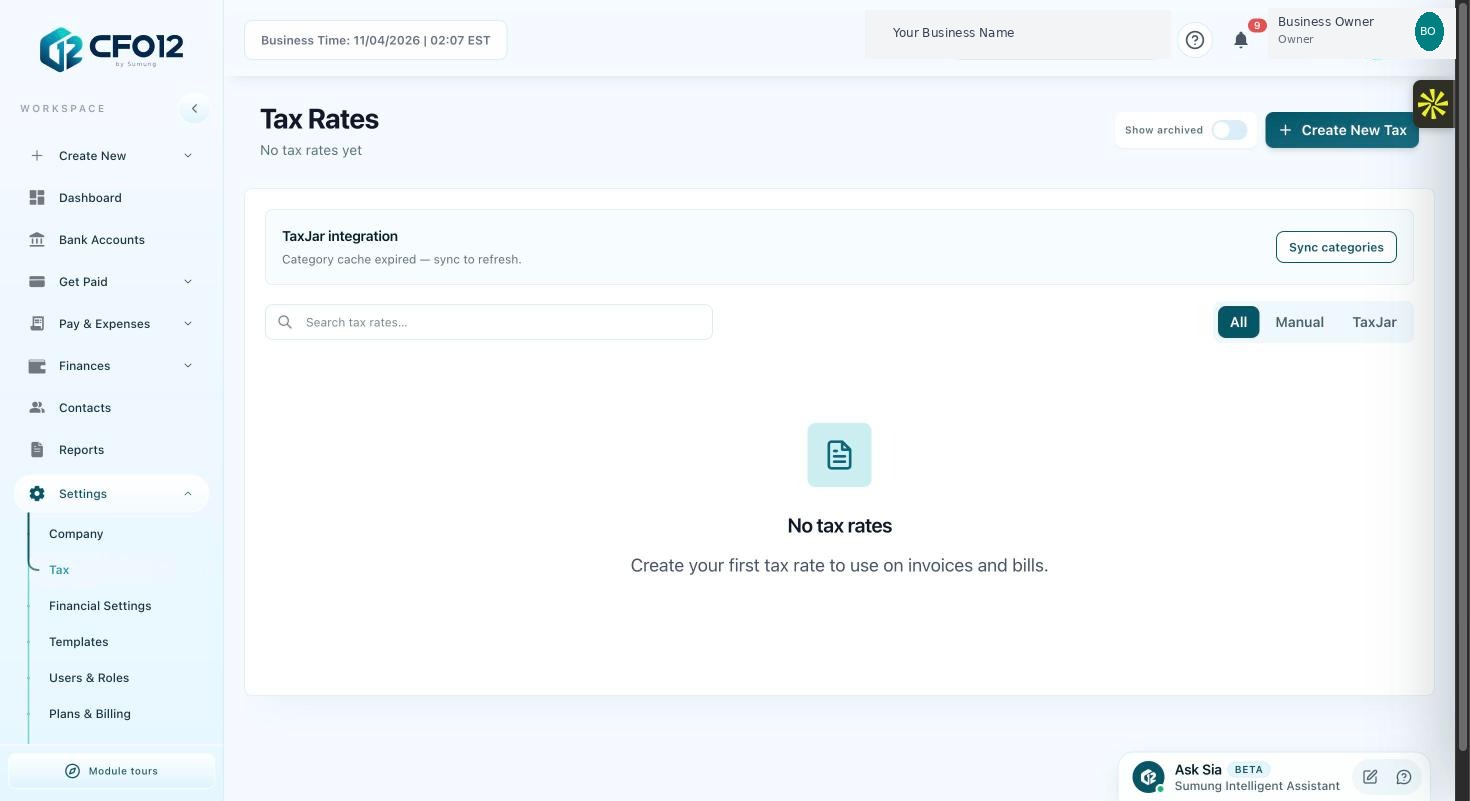
Configure your tax settings in CFO12 to ensure taxes are correctly calculated on invoices and bills.
What You Can Do
- Go to Settings.
- Review existing tax settings.
- Add or edit tax rates as required for your jurisdiction.
- CFO12 integrates with TaxJar for automated sales tax calculations.
- Save changes. Tax rates are now available to apply on invoices and bills.
💡 Tax requirements vary by jurisdiction. Consult your accountant to confirm the correct rates.
Related Articles
- How to Create a New Tax Rate
- Overview of Settings
- Overview of Settings
Was this article helpful?
Your feedback helps us improve our documentation.