The Opening Balance feature lets you enter starting balances for all accounts when you begin using CFO12.
What You Can Do
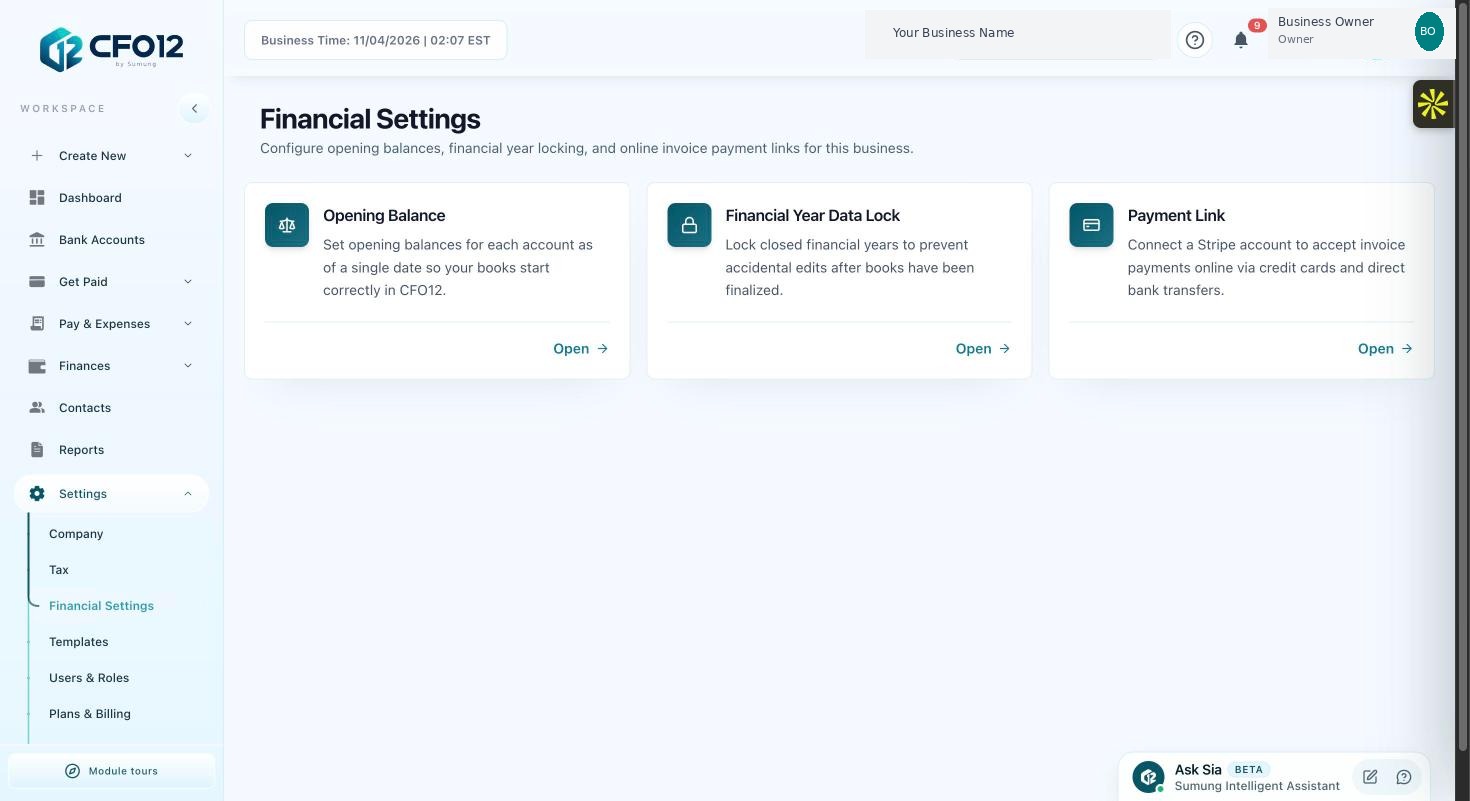
- Go to Settings > Financial Settings.
- Find the Opening Balance section.
- Enter the starting balance for each account as of your start date.
- Save the opening balances.
- CFO12 uses these as the baseline for all subsequent transactions.
💡 Opening balances should match your most recent accountant-prepared financial statements.
Related Articles
- What Is Financial Settings?
- How to Set Up Financial Settings
- Overview of Settings
Was this article helpful?
Your feedback helps us improve our documentation.