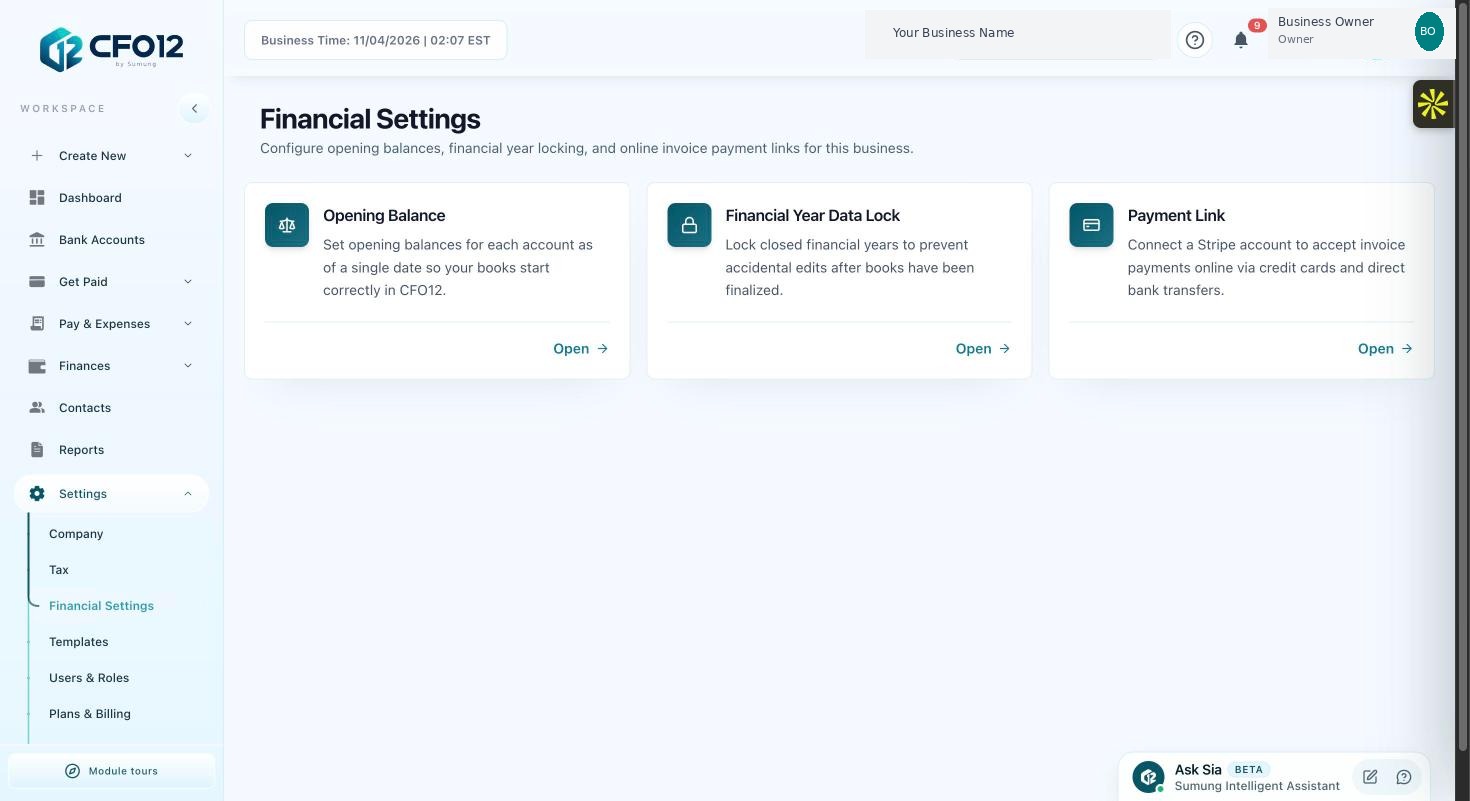
Financial Settings in CFO12 controls your Opening Balance, Financial Year Data Lock, and Payment Link.
What You Can Do
- Go to Settings > Financial Settings.
- Enter your Opening Balance if migrating from another system.
- Review the Financial Year Data Lock setting.
- Set up Payment Link to accept invoice payments online via credit cards and direct bank transfers.
💡 Financial Settings should be configured when you first set up CFO12 and rarely changed after.
Related Articles
- How to Set an Opening Balance
- How to Lock a Fiscal Year
- How to Set Up Payment Link
Was this article helpful?
Your feedback helps us improve our documentation.