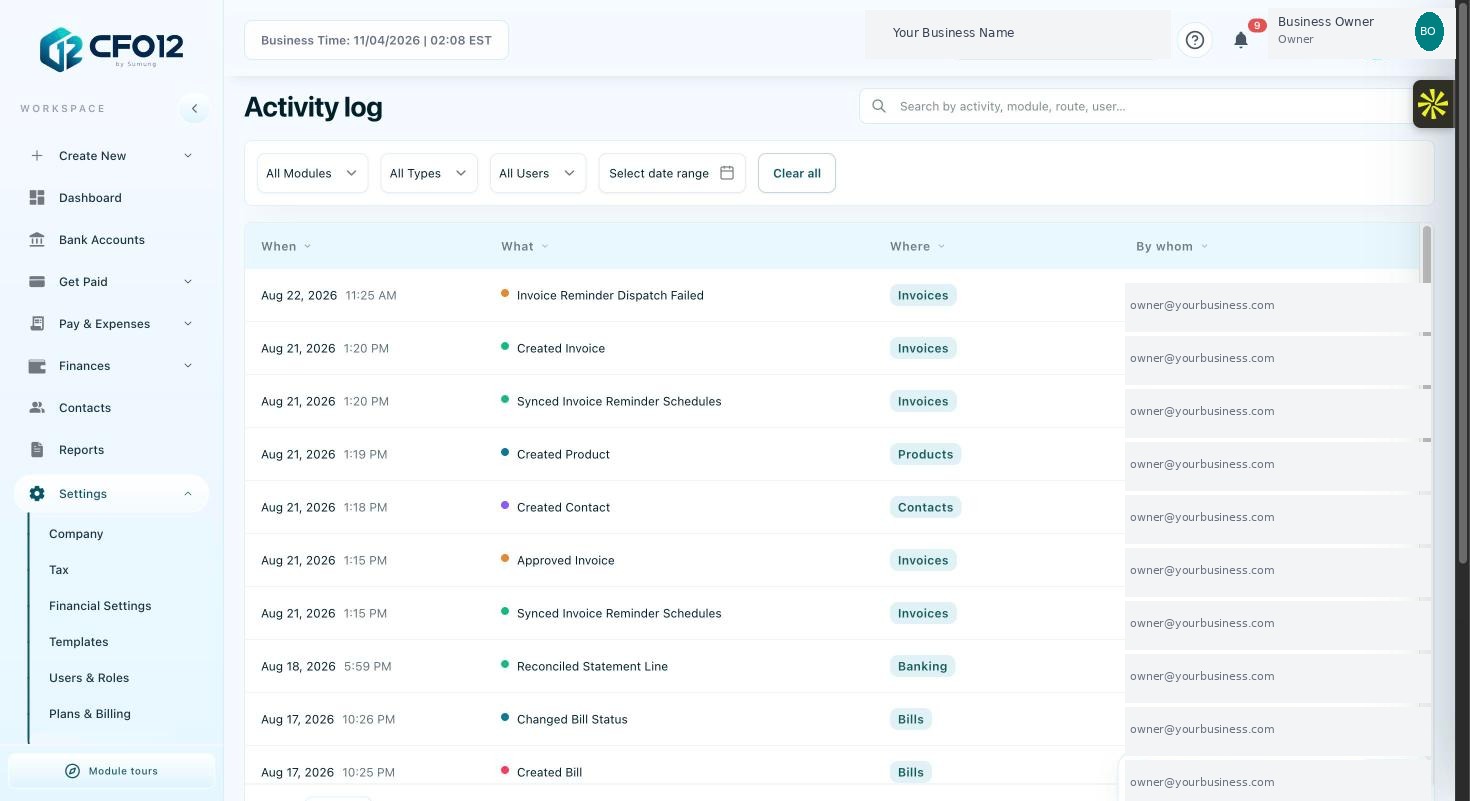
The Activity Log provides a complete, immutable record of all actions taken in CFO12.
What You Can Do
- Go to Settings > Activity Log.
- Set the date range to the audit period.
- Use the available filters to narrow the activity log.
- Review the log and note entries relevant to the audit period.
- The log cannot be edited or deleted — it is a reliable audit trail.
💡 Review the Activity Log alongside financial reports for a comprehensive audit package.
Related Articles
- How to View the Activity Log
- How to Review the Activity Log for Compliance
- Overview of Settings
Was this article helpful?
Your feedback helps us improve our documentation.