Review the Activity Log for external audit review or compliance documentation.
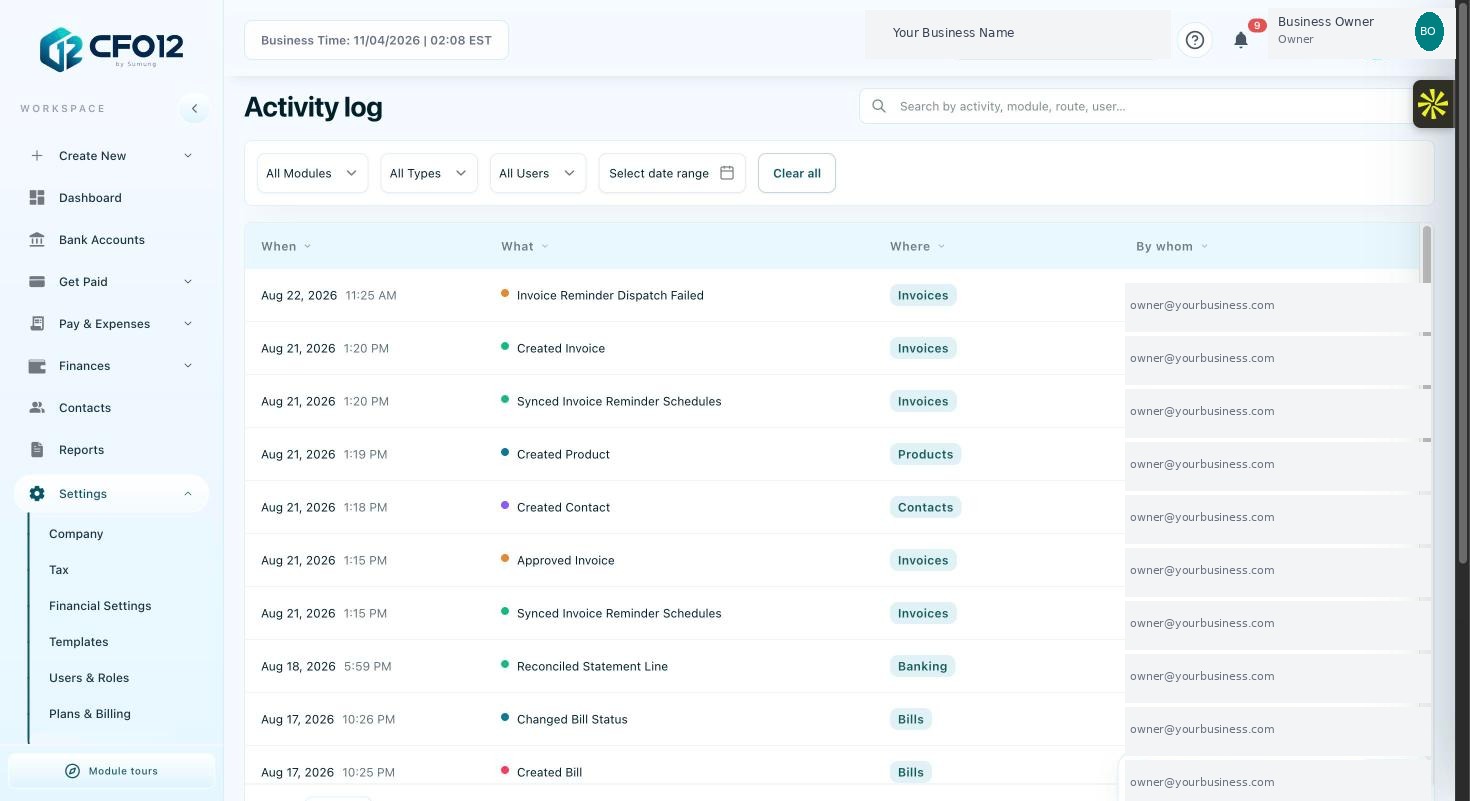
What You Can Do
- Go to Settings > Activity Log.
- Review the log entries for the relevant period.
- Note any relevant entries.
- Use the log to identify who made changes and when.
- Share your findings with auditors or compliance teams as required.
💡 Review the Activity Log at the end of each year as part of your annual compliance process.
Related Articles
- How to View the Activity Log
- What Does the Activity Log Record?
- Overview of Settings
Was this article helpful?
Your feedback helps us improve our documentation.