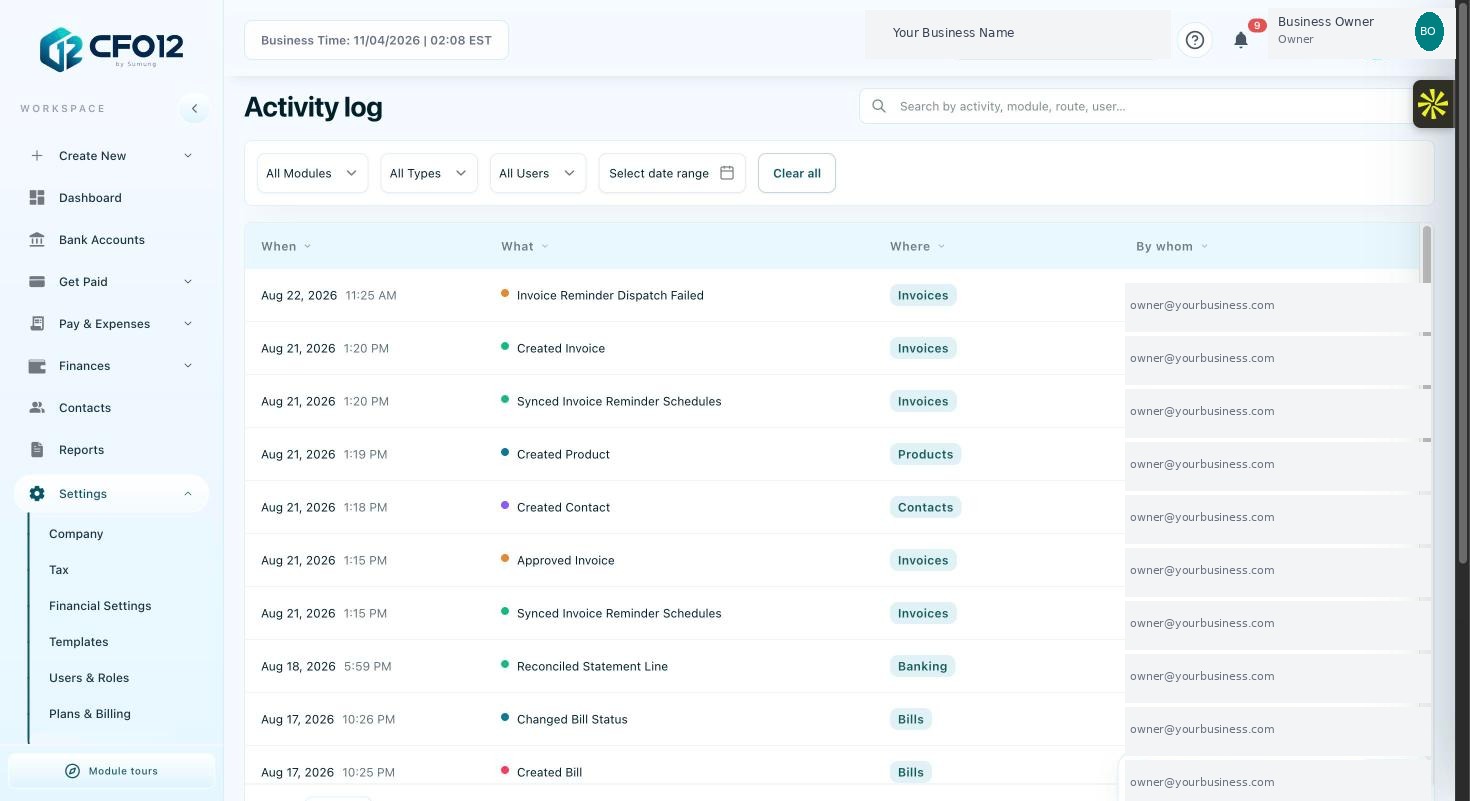
The Activity Log records every action taken in CFO12 — who did what and when.
What You Can Do
- Go to Settings > Activity Log.
- The log shows a chronological list of all account activity.
- The Activity Log records who did what and when.
- Use the available filters to narrow the activity log.
- Review the Activity Log for audit purposes.
💡 The Activity Log is your audit trail. Review it if you need to investigate unexpected changes.
Related Articles
- How to Filter the Activity Log
- What Does the Activity Log Record?
- Overview of Settings
Was this article helpful?
Your feedback helps us improve our documentation.