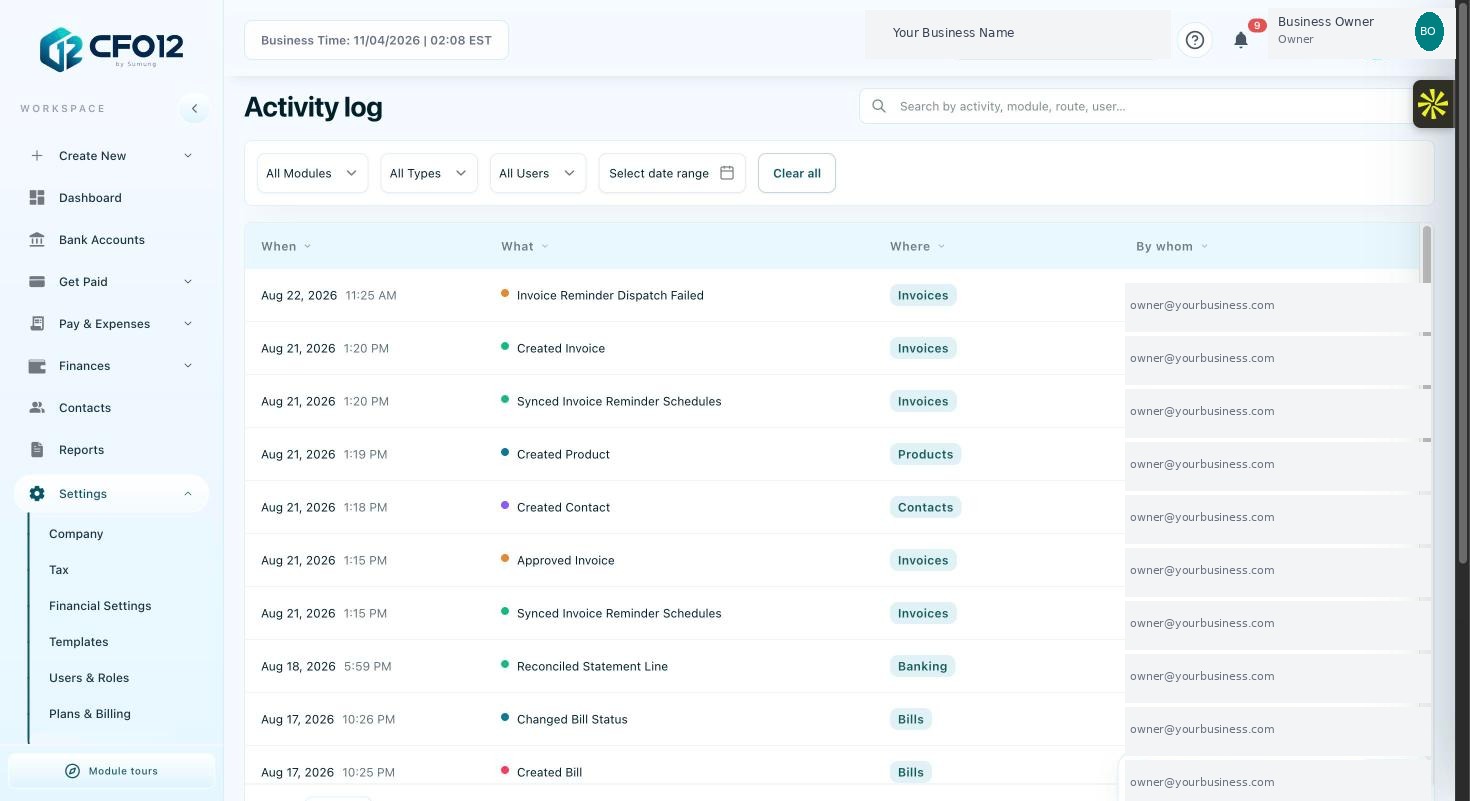
Use filters on the Activity Log to find specific actions.
What You Can Do
- Go to Settings > Activity Log.
- Use the available filters to narrow the activity log.
- Review the filtered entries.
- Remove the filter to return to the full list.
💡 Use available filters to narrow the activity log when investigating specific changes or access events.
Related Articles
- How to View the Activity Log
- How to Export the Activity Log
- Overview of Settings
Was this article helpful?
Your feedback helps us improve our documentation.