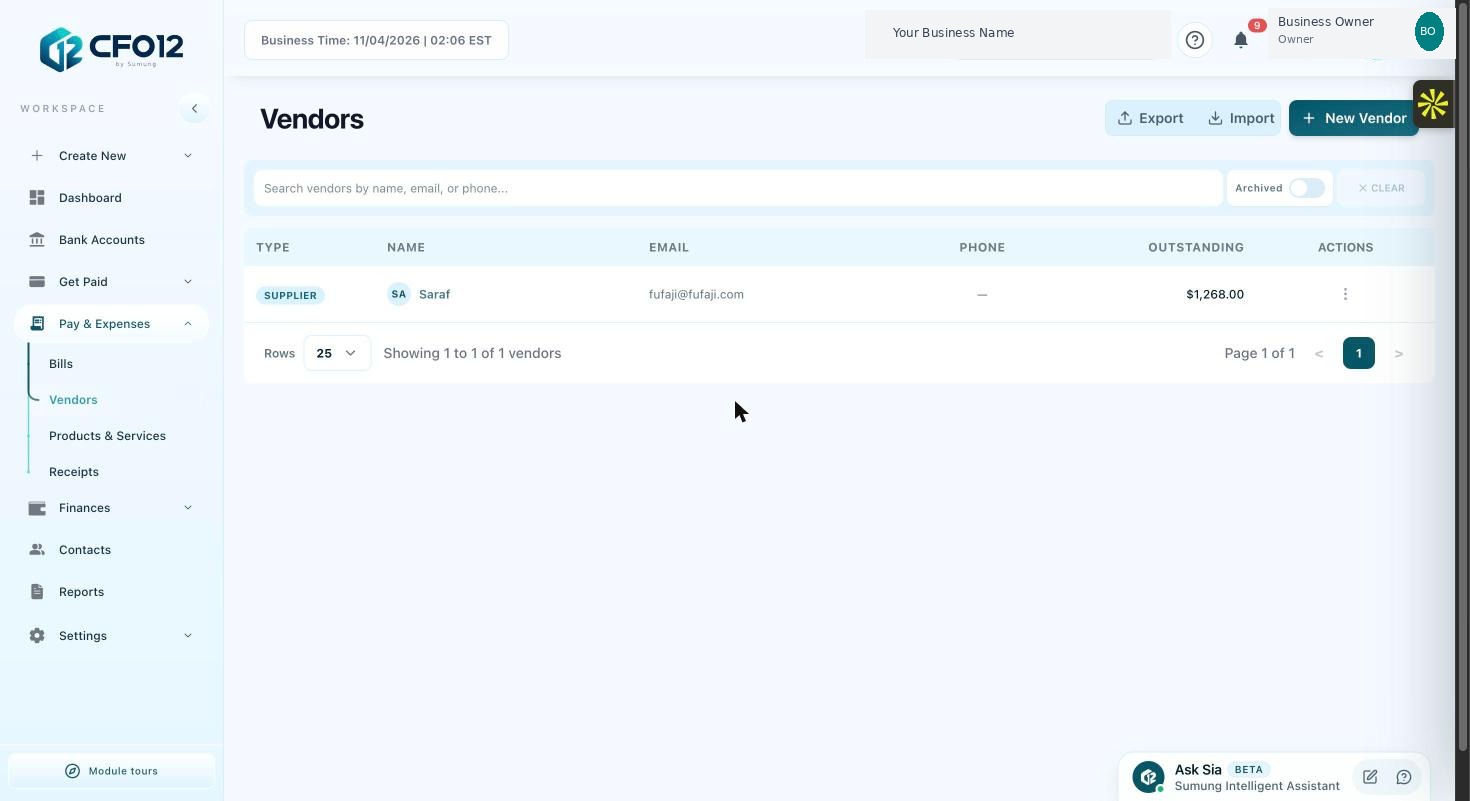
Export your vendor list for backup or use in other tools.
What You Can Do
- Go to Pay & Expenses > Vendors.
- Click Export.
- The vendor list downloads as a file.
- Open it in a spreadsheet app to view or edit.
💡 Exporting vendors periodically helps you maintain an up-to-date supplier list.
Related Articles
Was this article helpful?
Your feedback helps us improve our documentation.