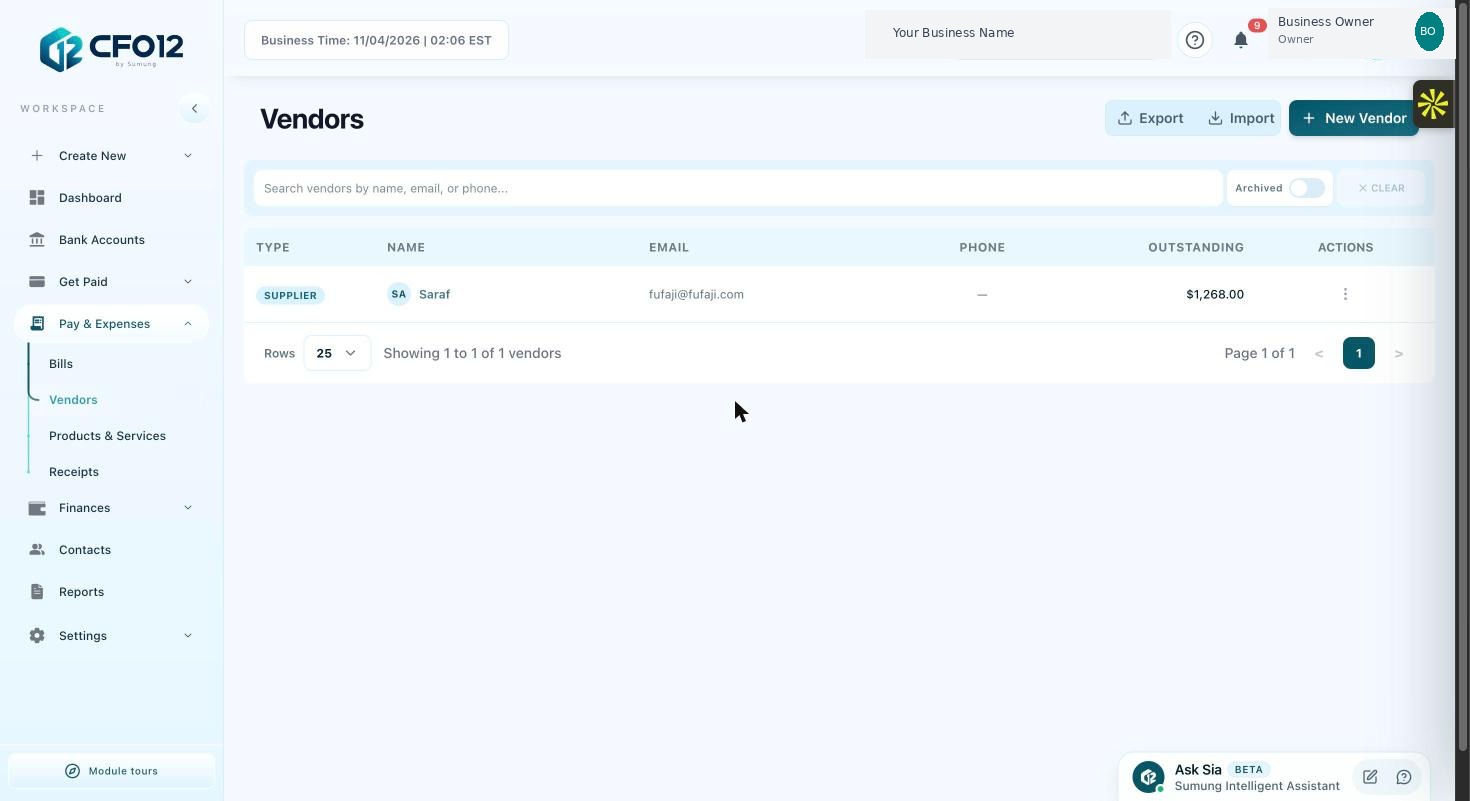
Import your existing supplier list into CFO12 using the import feature.
What You Can Do
- Go to Pay & Expenses > Vendors.
- Click Import.
- Download the template to see the required format.
- Fill in your vendor data and upload the file.
- Follow the on-screen steps to complete the import.
💡 The Migration tool under Settings > Migration also supports vendor imports.
Related Articles
- How to Add a New Vendor
- How to Export Vendors
- How to Use Migration to Import Data
Was this article helpful?
Your feedback helps us improve our documentation.