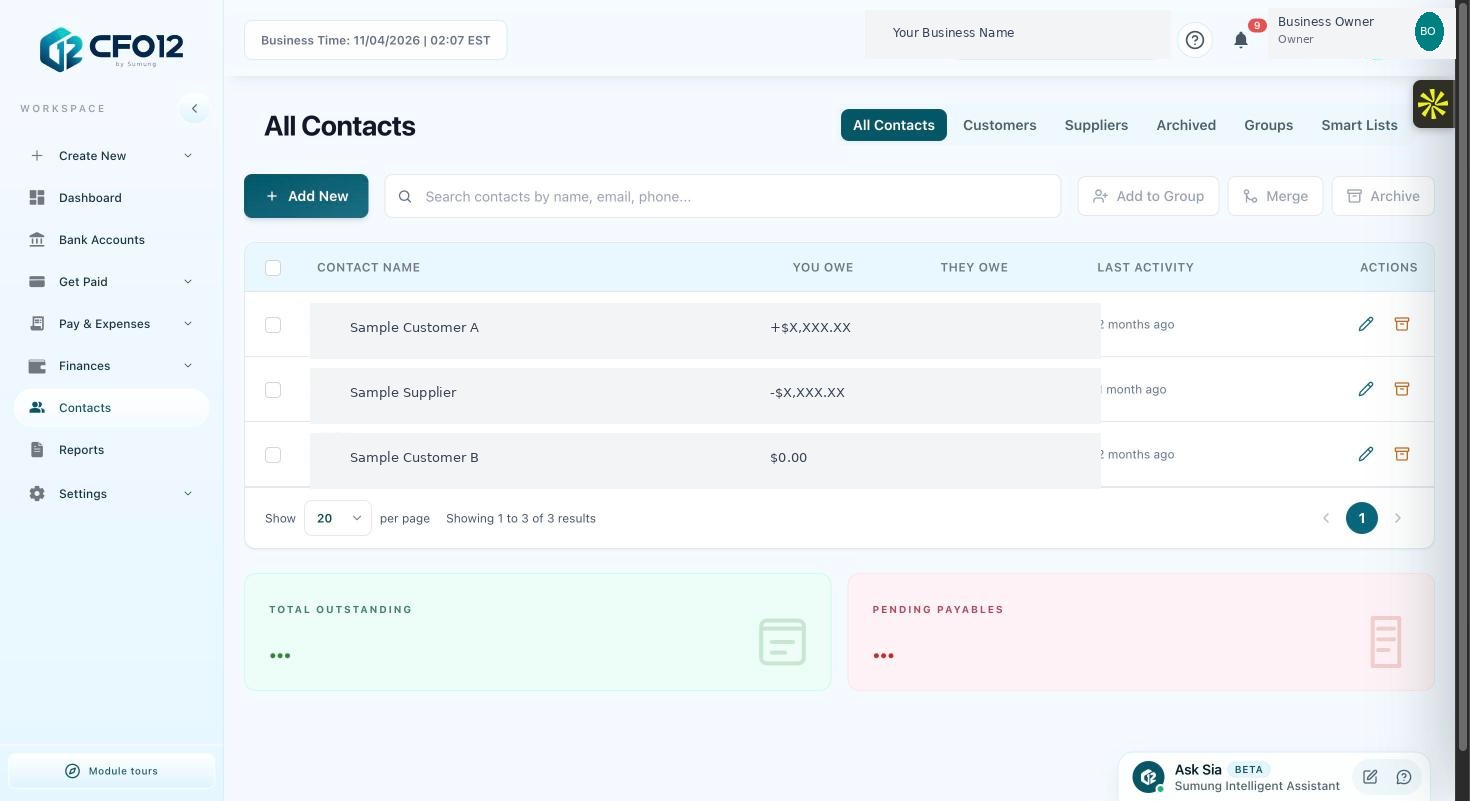
Open a contact record to view the saved details for that contact.
What You Can Do
- Go to Contacts and click the contact.
- The contact record displays their saved details, including name, email, type, address.
- Use the contact record to review or update stored information.
💡 Opening a contact record lets you review and verify all saved details for that contact.
Related Articles
Was this article helpful?
Your feedback helps us improve our documentation.