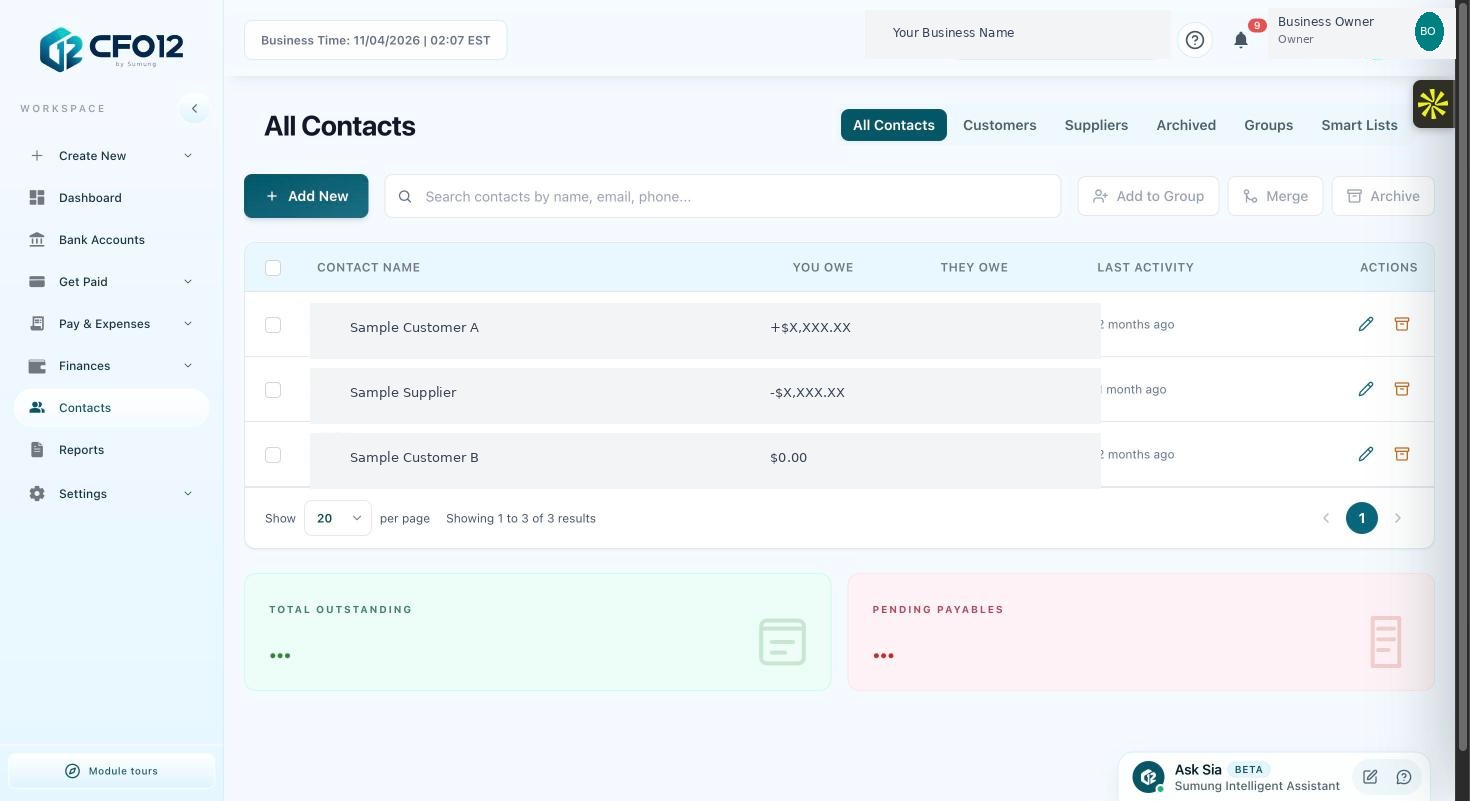
The Contacts page is organised into tabs to help you find and manage contacts easily.
What You Can Do
- All: Shows every contact — customers and suppliers — in one list.
- Customers: Shows only contacts that are customers.
- Suppliers: Shows only contacts that are suppliers.
- Archived: Shows contacts that have been archived.
💡 A contact can be both a Customer and a Supplier if you both buy from and sell to the same business.
Related Articles
- How to Add a New Contact
- How to View All Contacts
- Overview of Contacts
Was this article helpful?
Your feedback helps us improve our documentation.