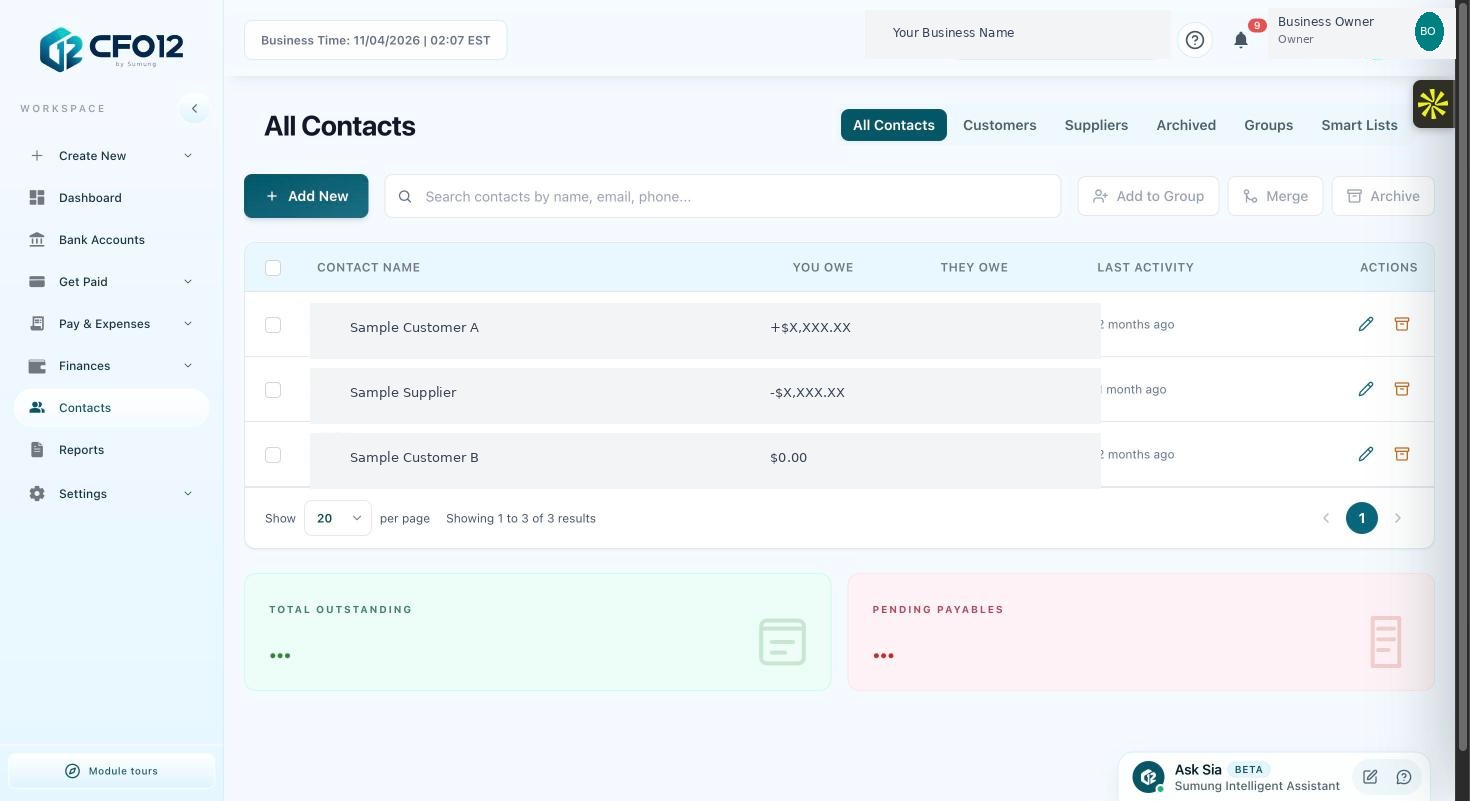
Add a new customer, supplier, or other contact to CFO12 from the Contacts page.
What You Can Do
- Go to Contacts.
- Click Add New.
- Enter the contact's details: name, type (Customer/Supplier), email, and address. Optionally enter their contact details including phone number.
- Save the contact.
- The contact is now available in invoices, bills, and other sections.
💡 Set the contact type correctly — Customer or Supplier — to ensure they appear in the right sections.
Related Articles
- How to View All Contacts
- How to Edit a Contact
- Overview of Contacts
Was this article helpful?
Your feedback helps us improve our documentation.