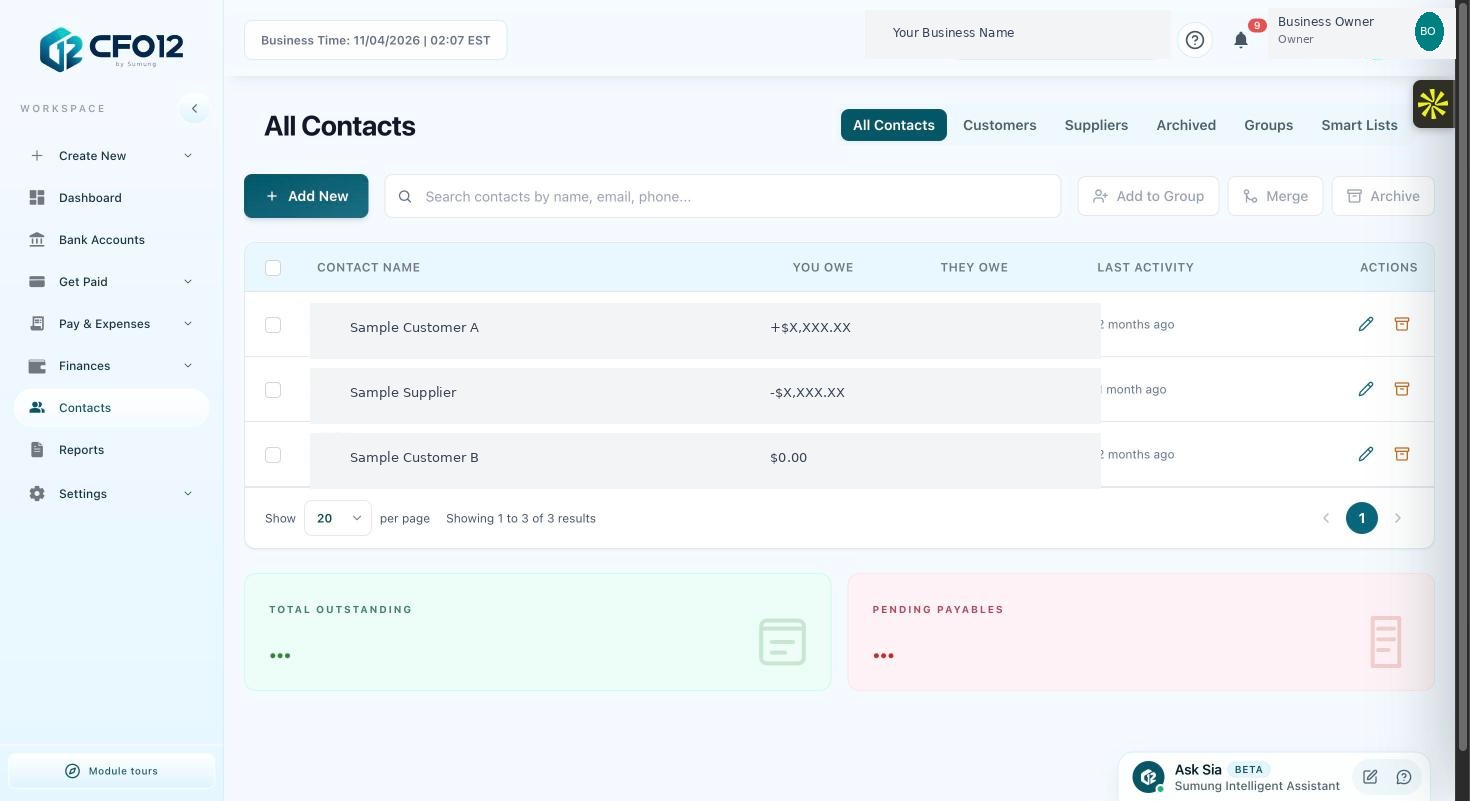
The Contacts section is a central directory for all the people and businesses your company deals with.
What You Can Do
- In the left sidebar, click Contacts.
- The page has tabs: All, Customers, Suppliers, and Archived.
- Contacts include both customers (who owe you money) and suppliers (who you pay).
- Click Add New to add a contact.
💡 Contacts added in Get Paid (Customers) and Pay & Expenses (Suppliers) automatically appear in Contacts too.
Related Articles
Was this article helpful?
Your feedback helps us improve our documentation.