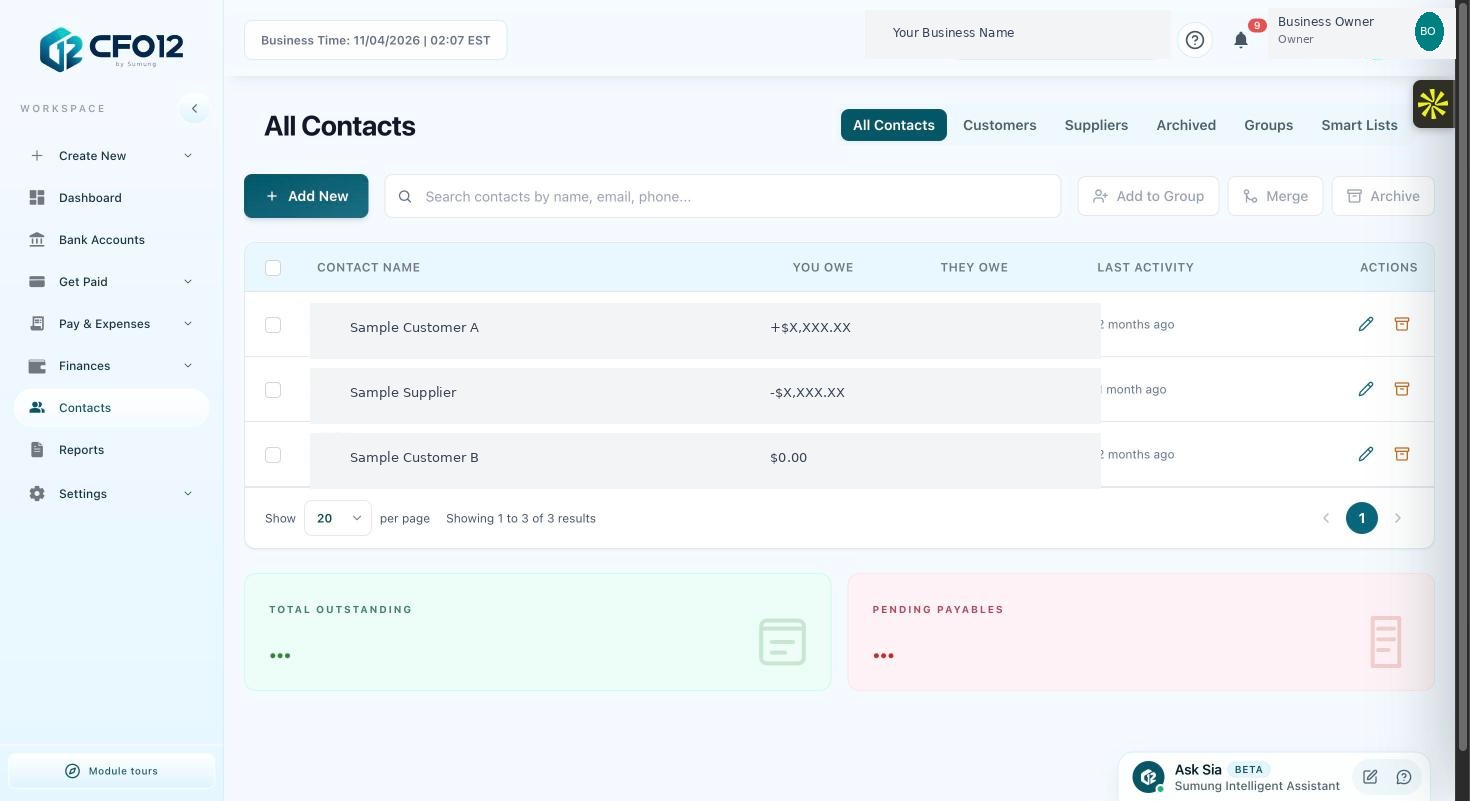
Archive a contact you no longer deal with to remove them from active lists.
What You Can Do
- Go to Contacts and open the contact.
- Click the archive action.
- Confirm the action.
- The contact moves to the Archived tab.
- Their transaction history is preserved.
💡 Archived contacts are removed from selection dropdowns in invoices and bills.
Related Articles
Was this article helpful?
Your feedback helps us improve our documentation.