Identify contacts in your list that have no linked transactions — these may be test entries or old records.
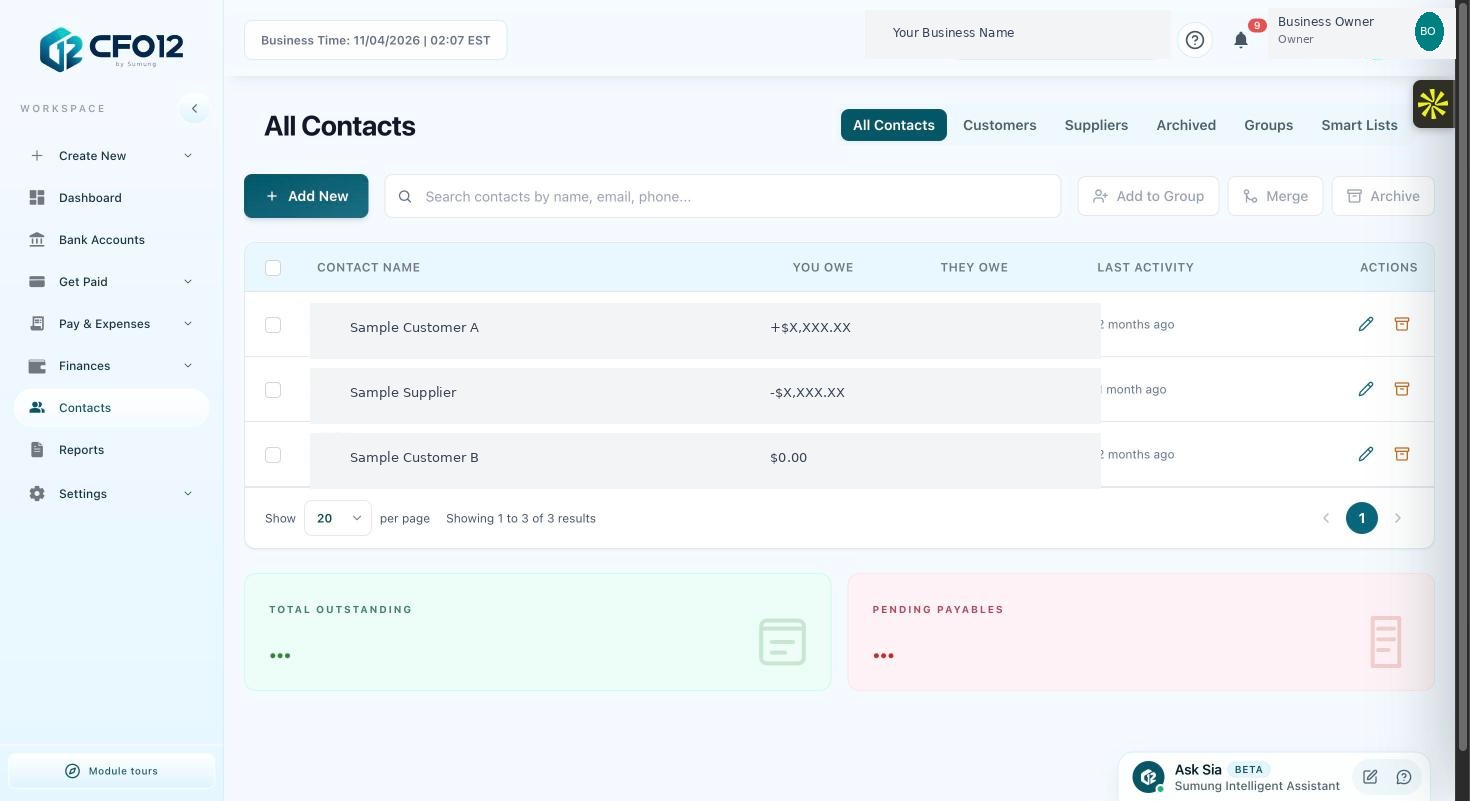
What You Can Do
- Go to Contacts > All tab.
- Click each contact and review their transaction history.
- Contacts with no transactions may be test entries or stale records.
- Archive or delete contacts that are no longer needed.
💡 Keeping only active, relevant contacts in your list improves data quality.
Related Articles
- How to Archive a Contact
- How to Merge Duplicate Contacts
- Overview of Contacts
Was this article helpful?
Your feedback helps us improve our documentation.