Keep your contact list organised so you can find and manage contacts efficiently.
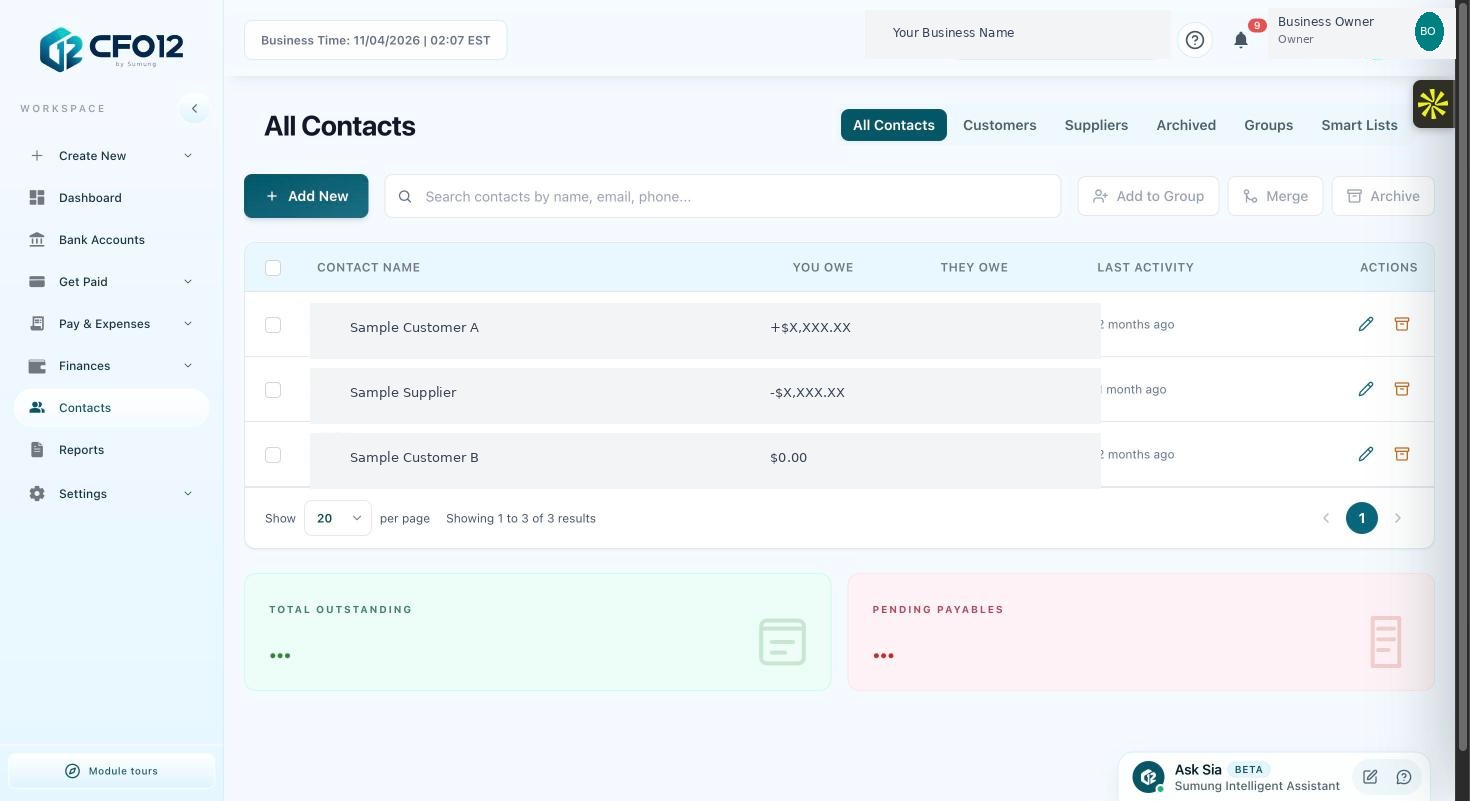
What You Can Do
Go to Contacts.
Use the Customers and Suppliers tabs to view contacts by type.
Click Groups to create or manage groups, then use Add to Group to assign contacts to a group for easy batch management.
Click Smart Lists to create dynamic filtered views of your contacts based on criteria such as type, balance, or activity.
Use the search field to find specific contacts quickly.
Archive contacts you no longer deal with to keep the active list clean.
Review your contact list periodically to ensure details are current.
💡 Groups and Smart Lists help you segment contacts for targeted management and faster workflows.
Related Articles
Was this article helpful?
Your feedback helps us improve our documentation.