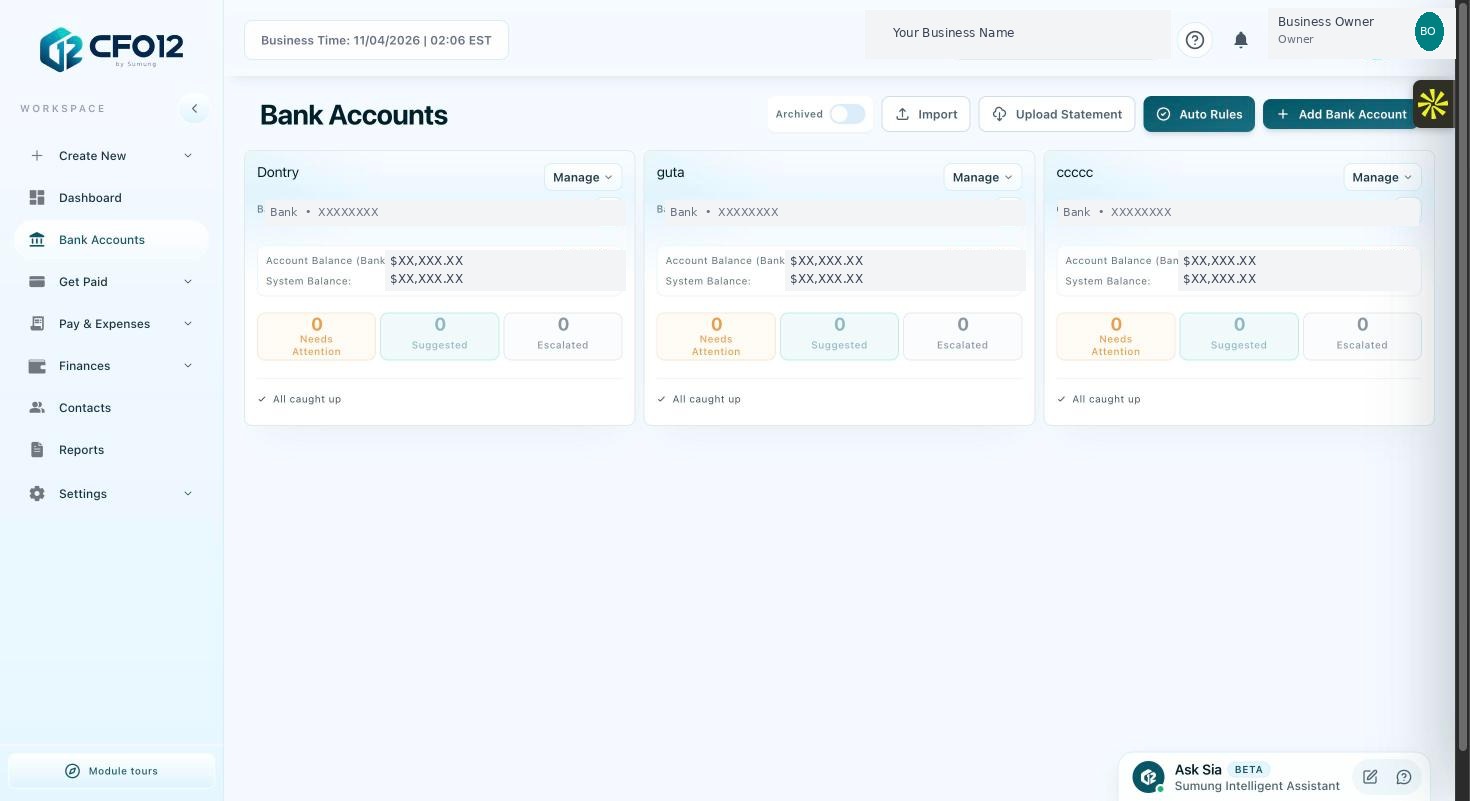
Verify the details of a bank account in CFO12 to ensure they match your physical bank records.
What You Can Do
- Go to Bank Accounts.
- Click the account you want to verify.
- Review the account name, bank name, and account number.
- Compare these with the details on your bank statement or account documents.
- Edit the account details if they need correction.
💡 Keeping account details accurate ensures imports and reconciliation work correctly.
Related Articles
Was this article helpful?
Your feedback helps us improve our documentation.