Keeping your bank accounts updated in CFO12 ensures your financial reports are accurate and complete.
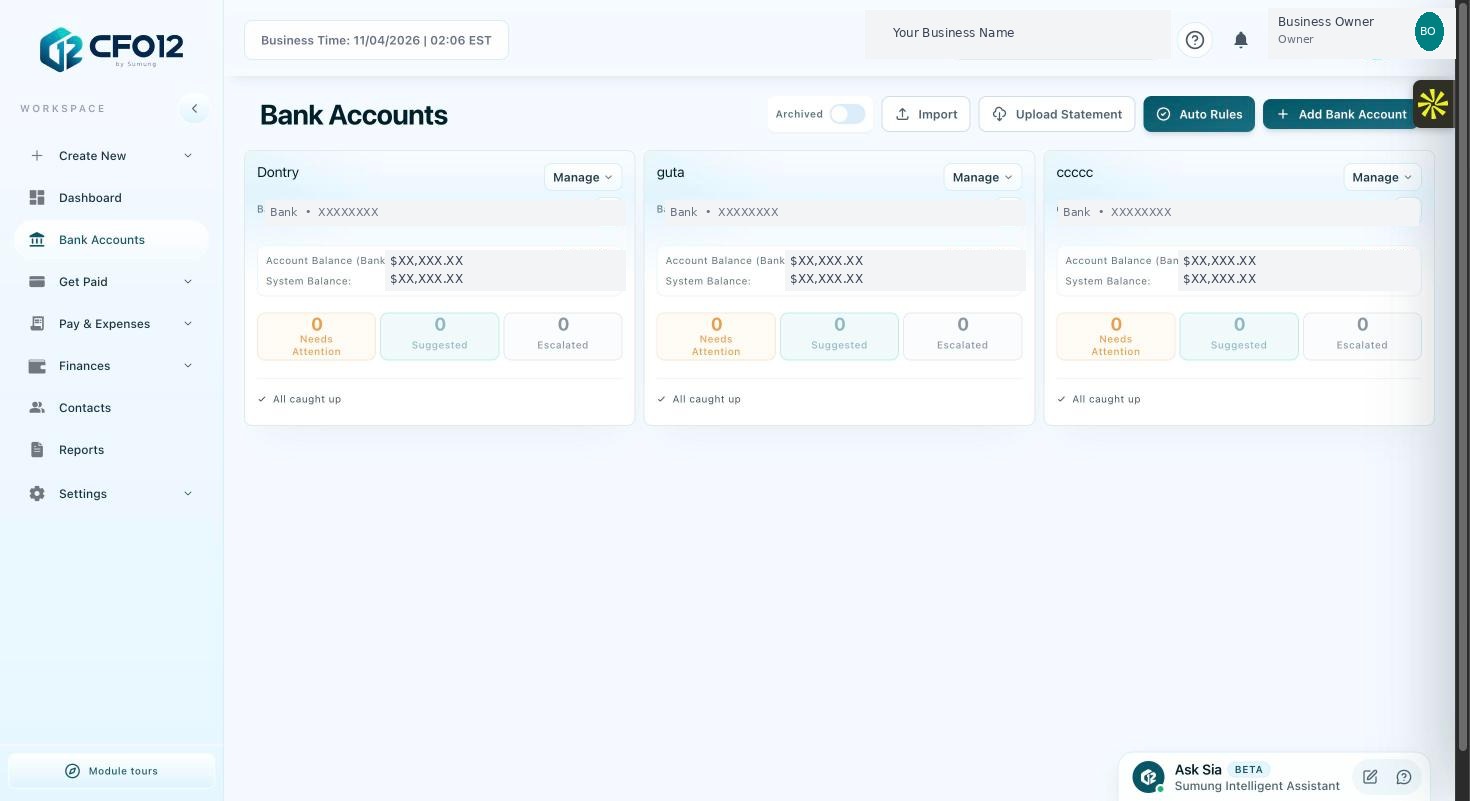
What You Can Do
- Import bank transactions regularly (at least monthly).
- Categorise all transactions to the correct accounts.
- Match transactions to invoices and bills.
- Reconcile each account after categorising.
- Run financial reports to see accurate results.
💡 Reports are only as accurate as the data behind them. Keep your bank transactions current.
Related Articles
- How to Reconcile Bank Transactions
- What Is the Profit & Loss Report?
- How to View the Cash Flow Report
Was this article helpful?
Your feedback helps us improve our documentation.