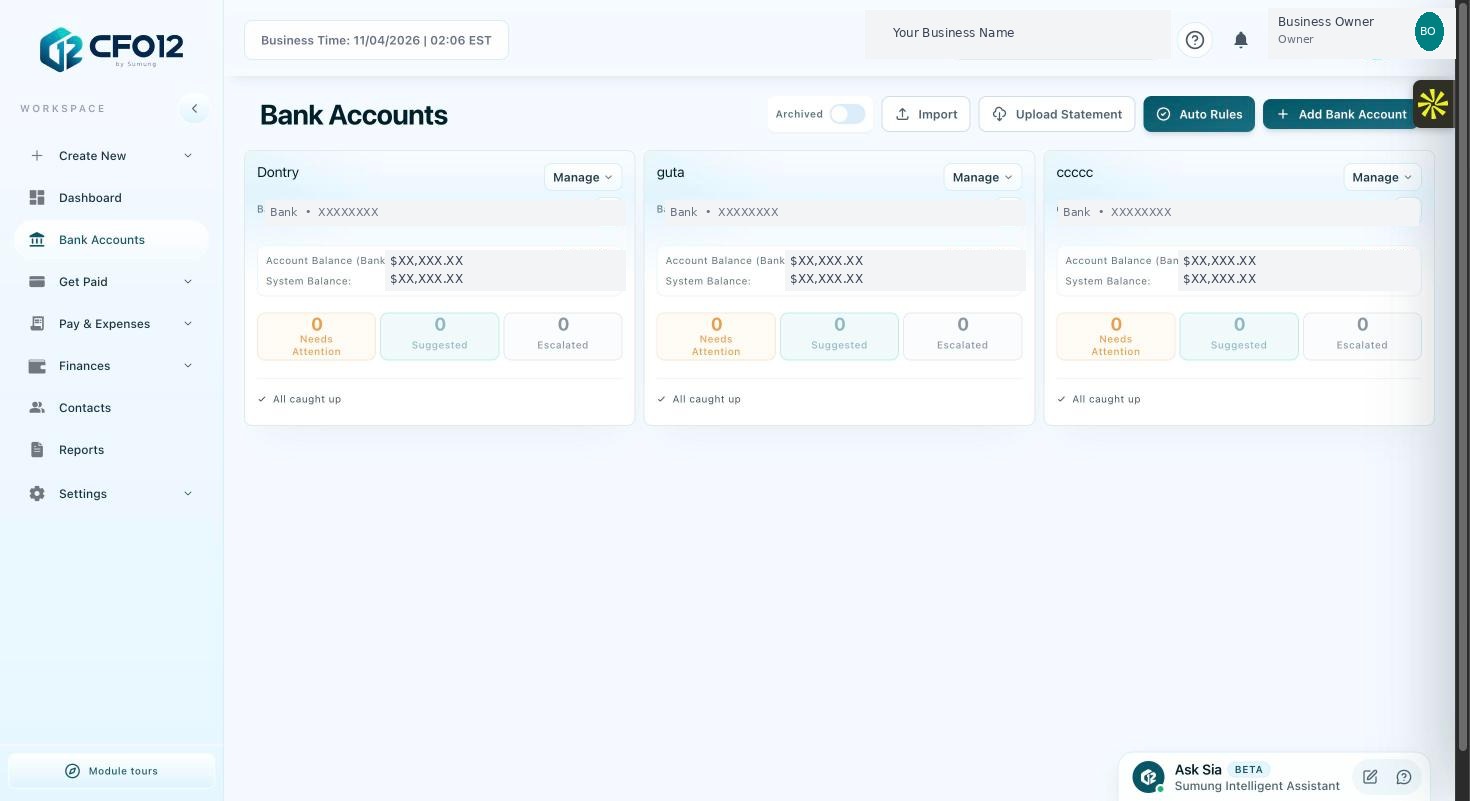
Bank account transactions in CFO12 feed directly into your Cash Flow report.
What You Can Do
- Keep all bank accounts in CFO12 up to date by regularly importing transactions.
- Categorise all transactions accurately.
- Go to Reports > Cash Flow to see cash inflows and outflows for a period.
- The Cash Flow report reflects all activity recorded in your bank accounts.
💡 An accurate Cash Flow report helps you plan ahead and avoid cash shortfalls.
Related Articles
- How to View the Cash Flow Report
- How to Import Bank Transactions
- How to Categorise a Bank Transaction
Was this article helpful?
Your feedback helps us improve our documentation.